
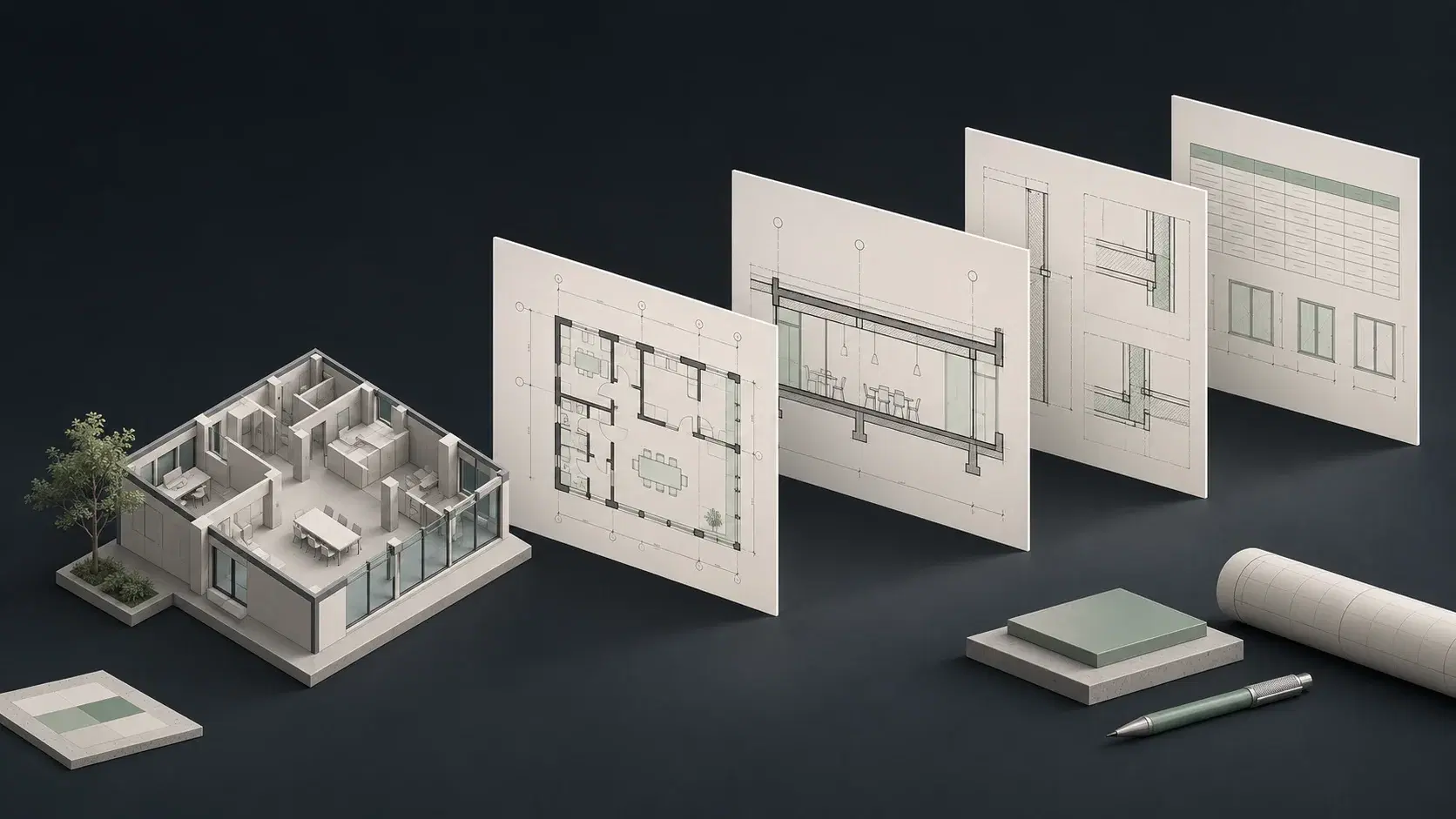
Revit automation utilities versus an AI assistant for the whole task
DiRootsOne’s current product page covers parameter management, filtering, spreadsheet exchange, views, sheets, and tables. It now distinguishes Free and Premium features, including Premium access for SheetLink and several other tools. It should not be described simply as an all-free bundle based on an older article.
Desktop works from instructions and context rather than only a chosen utility dialog. That is useful when the designer first needs to understand a changed source, decide which model elements are affected, and connect several operations. A suite of productive tools and an AI workspace can both help, but they address different amounts of the assignment.
Sources: DiRootsOne current Free/Premium features and prices · ArchiLabs Desktop capabilities and recorded demonstrations
Why ArchiLabs is compelling when the source data is messy
A clean table with agreed identifiers is an excellent starting point for a spreadsheet exchange tool. Real project revisions are often less tidy: a revised equipment description, a PDF note, and a drawing register may need to be reconciled before the import is ready. That preparation is part of the workload, even if it happens outside Revit.
Desktop’s file and connected-context workflow makes that broader assignment central to the product evaluation. Give it the actual approved source material and the desired native result. Compare the amount of manual preparation remaining, rather than beginning the clock only after someone has already cleaned the spreadsheet and resolved the project decisions.
Carry a drawing-register revision into the model
Use a small drawing register that adds a few sheets, renames others, and preserves issued numbers. A production utility may handle the configured batch operation well. Desktop’s wider value is in connecting the instruction to the appropriate views, source context, and follow-up work rather than leaving the designer to coordinate every step separately.
Supply the same title block and naming rules to both workflows. Check whether the completed result includes the intended view placement and whether a subsequent revision can be handled without starting over. The useful outcome is a maintained drawing package that the team can continue working in, not merely a set of newly created sheet records.
Expand the value of automation beyond a collection of buttons
Many firms already have a capable collection of Revit add-ins. The remaining bottleneck is deciding what to do, translating the request into tool inputs, and moving between operations. Desktop targets that opportunity with an interaction built around the project task and native application work.
That makes it a strong first choice for a team seeking a broader step forward in AI adoption. Keep the utilities that already work, and evaluate Desktop on the assignments still done manually around them. If the team can complete more kinds of work with less preparation and fewer handoffs, the value extends beyond replacing any one DiRootsOne command.
DiRootsOne vs ArchiLabs: pricing and total workflow cost
ArchiLabs Desktop starts at $19/month plus usage credits. That gives teams an accessible starting point for AI work across Revit, AutoCAD, and connected project context. Size the usage allowance around the workflows you want to scale.
Free tier; Premium €100/user/year. DiRoots lists US pricing of $120/user/year through its authorized US reseller. SheetLink, TableGen, and several other tools are Premium in the current table; older descriptions of an entirely free bundle should not be used for procurement.
DiRootsOne’s Premium price is published by region, while Desktop combines a starting subscription with usage credits. Compare the utility tasks you need and the preparation work that precedes them. The relevant question is whether the AI workspace reduces enough of the wider assignment to justify its ongoing use.
Sources: ArchiLabs pricing · DiRootsOne current Free/Premium features and prices
A practical BIM automation pilot for this comparison
Use a copy of a representative project and record the starting state. These are suggested acceptance checks, not results of a hands-on benchmark. Give both options the same inputs and count preparation, corrections, and review as part of the work.
- Use the current Free/Premium feature list for the required operations.
- Start from the actual project instruction and source files.
- Create and revise a sheet register without changing issued identifiers.
- Measure spreadsheet preparation and model handoff time.
- Compare one task that falls outside the utility workflow.
Common questions
Is all of DiRootsOne free?
No. The current product page lists Free and Premium tiers. Some features, including SheetLink and TableGen, appear in Premium.
Is Desktop only an alternative to SheetLink?
No. Spreadsheet-related work is one use case within a broader native modeling, drawing, and connected project workspace.
Can a firm keep DiRootsOne and add ArchiLabs?
That can be a sensible workflow strategy: retain useful production utilities and evaluate Desktop for the contextual assignments and handoffs those utilities do not cover. Test the actual installed setup.
Sources and comparison notes
Published by ArchiLabs using public product documentation reviewed on November 9, 2026. Recommendations reflect our product perspective. Workflow examples are suggested evaluations, not measured benchmark results. Prices retain the vendor’s currency and billing terms.