Routing and spacing
Generate and adjust duct, pipe, conduit, and cable tray routes while preserving clearance and service access assumptions.
MEP Workflow System
ArchiLabs helps MEP teams turn routing, sizing, coordination, sheets, annotations, schedules, and review tasks into reusable workflows inside an end-to-end BIM/design workspace.
ArchiLabs Desktop in action
Native pipes, fittings, equipment families, and connections. Watch Desktop turn a request into model work inside Revit.
Connect six tools with cooling-water supply and return, including offsets over existing services.
In a prepared example model, Desktop routes cooling-water supply and return to six pieces of equipment. The close-up shows native pipes and fittings rising over existing services before returning to the rack. This is an illustrative model workflow. Waiting periods are shortened; accelerated segments are labeled in the video.
Workflow system
Each workflow combines smart components, AI-assisted recipe generation, deterministic validation, sheet and annotation automation, and exports that fit the tools your team already uses.
Generate and adjust duct, pipe, conduit, and cable tray routes while preserving clearance and service access assumptions.
Use repeatable templates for equipment sizing, fixture counts, panel schedules, sheets, annotations, and export-ready documentation data.
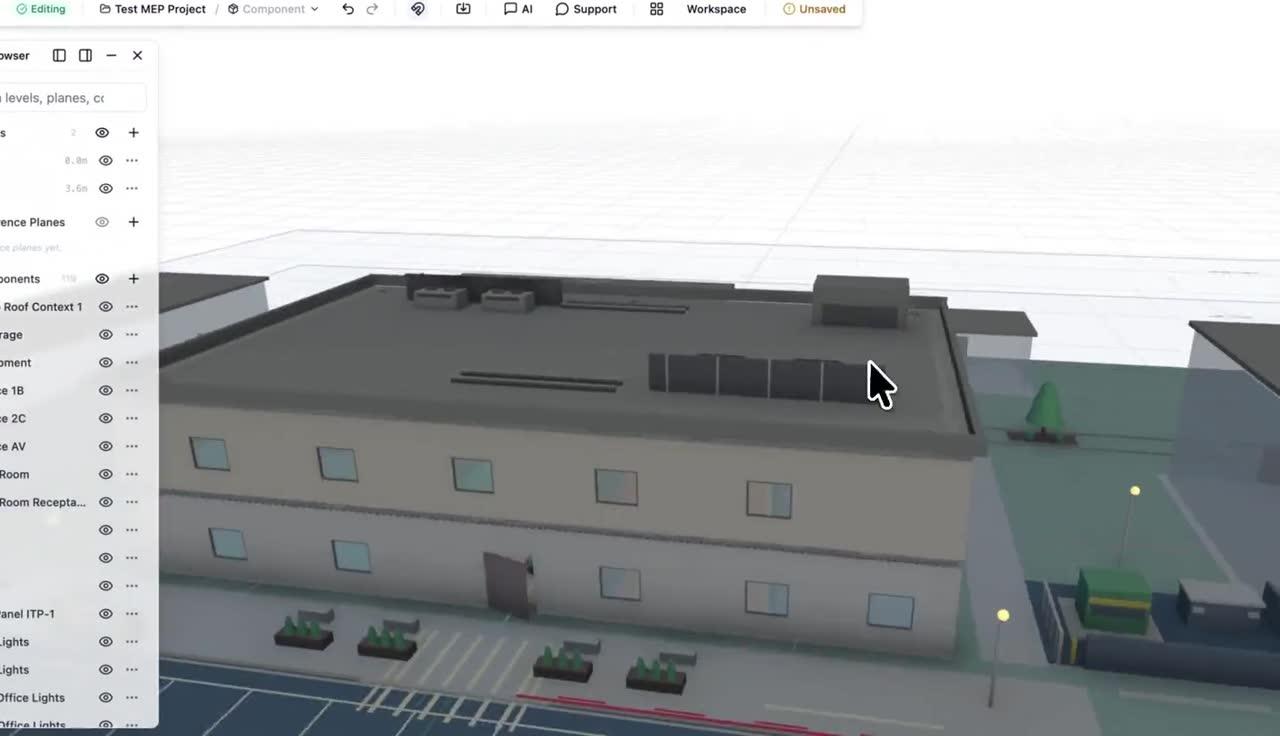
Run workflow checks that flag likely clashes, missing parameters, inconsistent tags, and downstream schedule impacts.
MEP and life safety demo
See sprinkler layout with hydraulic checks, plus fire alarm voltage-drop analysis that assigns devices to circuits, routes cable, and selects the smallest passing wire gauge.
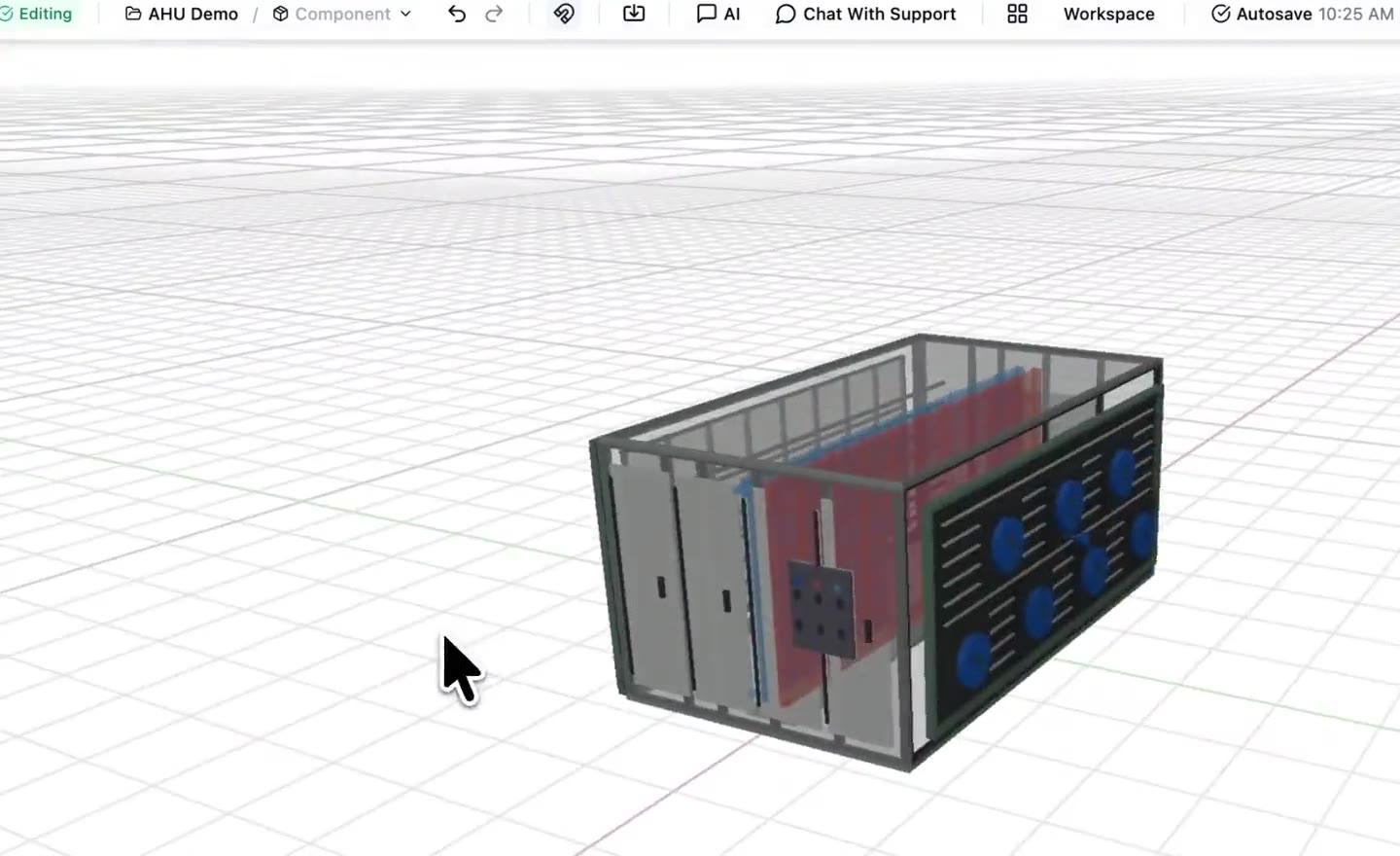
AHU spec sheet demo
Watch the AI read an AHU spec sheet and recreate the air handling unit as a detailed model.
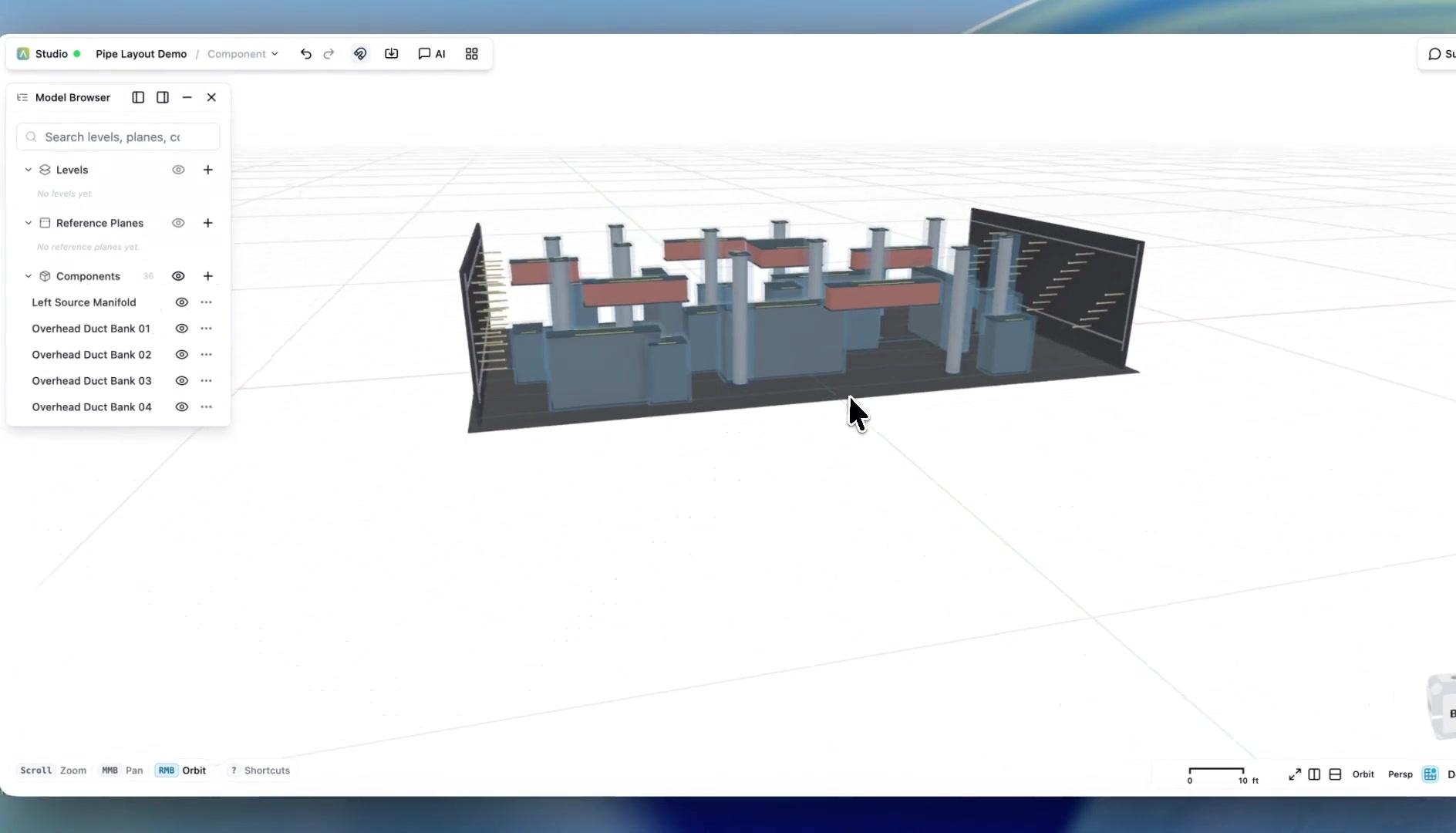
Pipe routing demo
Watch an AI-built pipe routing automation run through 3D geometry.
The same pattern works across each workflow: define intent, generate the model and documentation, validate the result, and hand it off cleanly.
Start from plain English, Python, imported geometry, or a saved workflow template for the system you need to coordinate.
The AI assists with a deterministic workflow that can be previewed, edited, versioned, and reused by the team.
Run checks for clearance, missing data, sizing assumptions, and discipline-specific review notes before pushing work downstream.
Share sheets, annotations, schedules, reports, IFC, DXF, PDF, or API-driven handoff data into your existing BIM and coordination process.
Workflow checks are structured and auditable. They help teams find missing information, inconsistent assumptions, and likely issues before sheets, annotations, reports, or model exports move downstream.
End-to-end platform
ArchiLabs Desktop brings AI into Revit, AutoCAD, and connected project tools. ArchiLabs Studio provides a browser workspace for design and reusable components. Together, they help teams carry drawings, models, and project context into the next stage of work.
The goal is to make repeatable design and documentation logic reusable across projects while still fitting into the BIM and CAD stack your team already has.
More workflows
Data Center Design Automation
Automate rack layouts, power and cooling coordination, cable routing, specifications, RFIs, BIM documentation, validation, and DCIM-ready handoff.
Modular Housing Workflow System
Create repeatable modular housing workflows for unit catalogs, module constraints, connection checks, sheets, documentation, and manufacturing handoffs.
Homebuilder CPQ Workflow System
Create 3D CPQ configurator workflows for production and semi-custom homebuilders with plan, elevation, option package, pricing, validation, and construction drawing outputs.
Fire Protection Workflow System
Coordinate fire protection workflows for sprinkler layouts, pipe routing, risers, alarm pathways, calculations, schedules, checks, exports, and revision comparison.
Whether you're planning a new data hall, modernizing a live facility, coordinating critical systems, or connecting design data to operations, we'd love to hear what your team wants to automate. We also continue to support MEP, production homebuilding, modular housing, fire protection, and embedded design workflows.
Talk to the team
See Desktop and Studio in a walkthrough tailored to your team’s workflow.
Pilot a workflow
Start with one high-value automation and connect it to your current delivery process.
Technical questions
DCIM, CFD, BIM, document automation, APIs, and custom components — ask us anything.