ArchiLabs Logo
Data Center Workflow System

Plan critical facilities with traceable design logic

Use ArchiLabs to model data hall layouts, power and cooling assumptions, equipment capacity, sheets, reports, and downstream validation workflows in an end-to-end BIM/design workspace.

Workflow system

Built for repeatable work, not one-off prompts

Each workflow combines smart components, AI-assisted recipe generation, deterministic validation, sheet and annotation automation, and exports that fit the tools your team already uses.

Power
Budgets and redundancy
Cooling
Capacity and zones
Racks
Placement and clearances

Capacity planning

Place racks, equipment, and support systems while tracking power density, cooling zones, and growth assumptions.

Redundancy checks

Model N+1 assumptions, UPS coverage, distribution paths, failure-domain notes, and documentation outputs as auditable workflow data.

Layout iteration

Branch alternatives, compare scenarios, and keep decisions traceable as equipment, phasing, or capacity targets change.

From intent to coordinated documentation

The same pattern works across each workflow: define intent, generate the model and documentation, validate the result, and hand it off cleanly.

01

Define the design basis

Capture rack counts, target density, cooling strategy, redundancy requirements, and project-specific validation rules.

02

Generate layout options

Create and compare equipment layouts with smart components that carry capacity, clearance, and system metadata.

03

Run facility checks

Validate power, cooling, access, and capacity assumptions before exporting a candidate layout for review.

04

Document and hand off

Generate sheets, annotations, schedules, reports, model exports, and structured data for coordination and delivery workflows.

Checks teams can reuse

Workflow checks are structured and auditable. They help teams find missing information, inconsistent assumptions, and likely issues before sheets, annotations, reports, or model exports move downstream.

  • Power draw and capacity assumptions
  • Cooling zone and airflow constraints
  • Rack clearance and service access
  • Scenario history for audit and owner review

End-to-end platform

An end-to-end BIM/design workspace

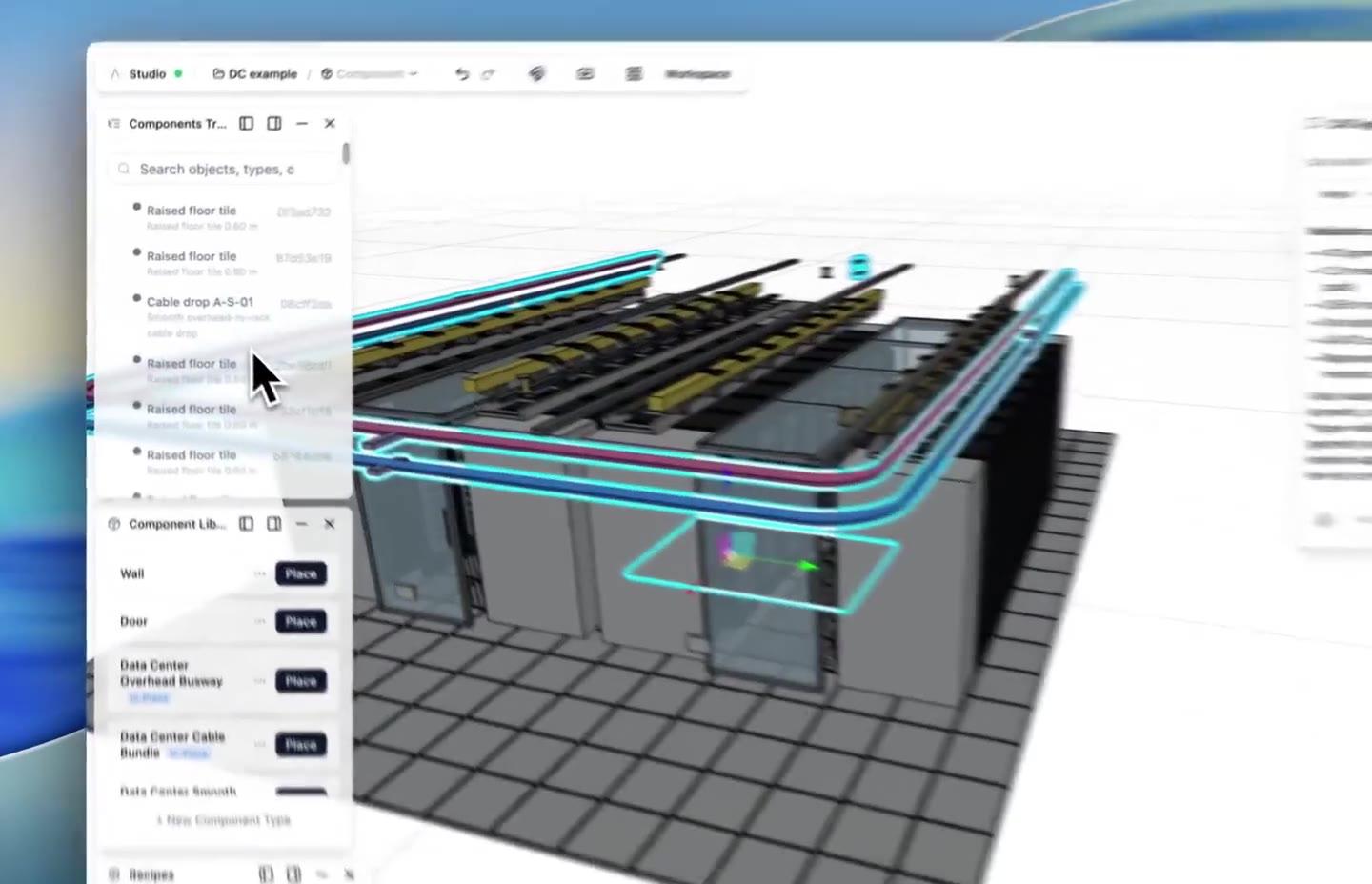
ArchiLabs runs as a browser-based BIM and design workspace. Teams can import drawings, create structured 3D models, automate sheets and annotations, generate documentation packages, and export data back into Revit, AutoCAD, coordination tools, or custom systems.

The goal is to make repeatable design and documentation logic reusable across projects while still fitting into the BIM and CAD stack your team already has.

Let's build together

Whether you're an MEP firm, modular housing team, fire protection consultant, critical facility group, or exploring the SDK, we'd love to hear how you want to automate modeling, sheets, annotations, documentation, and review.

Talk to the team

Get a walkthrough of the BIM/design workspace tailored to your use case.

Pilot program

We work closely with early design partners. Apply to join.

Technical questions

SDK integration, API access, custom components — ask us anything.