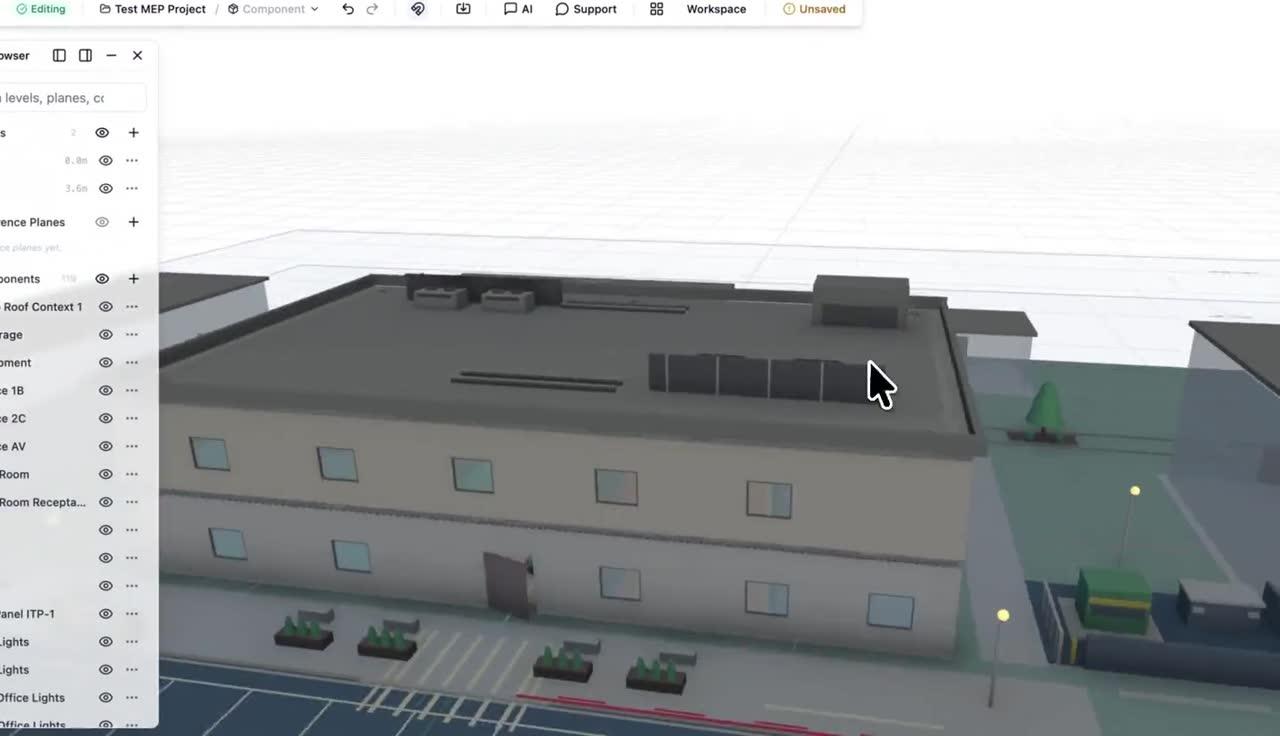
Sprinkler layout and routing
Place and adjust sprinkler layouts while handling branch-line routing, main routing, pipe sizing assistance, riser generation / riser diagrams, and hydraulic calculation inputs / prep.
Fire Protection Workflow System
Use ArchiLabs to coordinate sprinkler layouts, branch-line and main routing, risers, fire alarm devices, circuit maps, calculations, schedules, checks, exports, and as-built comparisons inside an end-to-end BIM/design workspace.
Workflow system
Each workflow combines smart components, AI-assisted recipe generation, deterministic validation, sheet and annotation automation, and exports that fit the tools your team already uses.
Place and adjust sprinkler layouts while handling branch-line routing, main routing, pipe sizing assistance, riser generation / riser diagrams, and hydraulic calculation inputs / prep.
Coordinate fire alarm cable routing, fire alarm conduit/pathway routing, notification appliance circuiting, device-to-panel circuit mapping, and panel/load checks alongside suppression work.
Prepare battery calculations, voltage-drop calculations, device schedules, sprinkler schedules, zone/device maps, annunciator maps, review checks, reports, exports, and revision comparisons.
MEP and life safety demo
See sprinkler layout with hydraulic checks, plus fire alarm voltage-drop analysis that assigns devices to circuits, routes cable, and selects the smallest passing wire gauge.
The same pattern works across each workflow: define intent, generate the model and documentation, validate the result, and hand it off cleanly.
Enter hazard, coverage, ceiling, alarm device, equipment schedules, sequence of operations, and zone assumptions that the workflow should track.
Generate or adjust sprinklers, branch-line routing, main routing, risers, pipe sizing assumptions, and hydraulic calculation inputs.
Coordinate fire alarm cable routing, conduit/pathway routing, notification appliance circuiting, device-to-panel mapping, zone/device maps, and annunciator maps.
Run coverage, obstruction, spacing, continuity, panel/load, battery, and voltage-drop checks, then export schedules, drawings, reports, and revision comparisons.
Workflow checks are structured and auditable. They help teams find missing information, inconsistent assumptions, and likely issues before sheets, annotations, reports, or model exports move downstream.
End-to-end platform
ArchiLabs Desktop brings AI into Revit, AutoCAD, and connected project tools. ArchiLabs Studio provides a browser workspace for design and reusable components. Together, they help teams carry drawings, models, and project context into the next stage of work.
The goal is to make repeatable design and documentation logic reusable across projects while still fitting into the BIM and CAD stack your team already has.
More workflows
MEP Workflow System
Automate MEP routing, sizing, coordination, sheets, annotations, schedules, and review workflows with ArchiLabs.
Data Center Design Automation
Automate rack layouts, power and cooling coordination, cable routing, specifications, RFIs, BIM documentation, validation, and DCIM-ready handoff.
Modular Housing Workflow System
Create repeatable modular housing workflows for unit catalogs, module constraints, connection checks, sheets, documentation, and manufacturing handoffs.
Homebuilder CPQ Workflow System
Create 3D CPQ configurator workflows for production and semi-custom homebuilders with plan, elevation, option package, pricing, validation, and construction drawing outputs.
Whether you're planning a new data hall, modernizing a live facility, coordinating critical systems, or connecting design data to operations, we'd love to hear what your team wants to automate. We also continue to support MEP, production homebuilding, modular housing, fire protection, and embedded design workflows.
Talk to the team
See Desktop and Studio in a walkthrough tailored to your team’s workflow.
Pilot a workflow
Start with one high-value automation and connect it to your current delivery process.
Technical questions
DCIM, CFD, BIM, document automation, APIs, and custom components — ask us anything.