
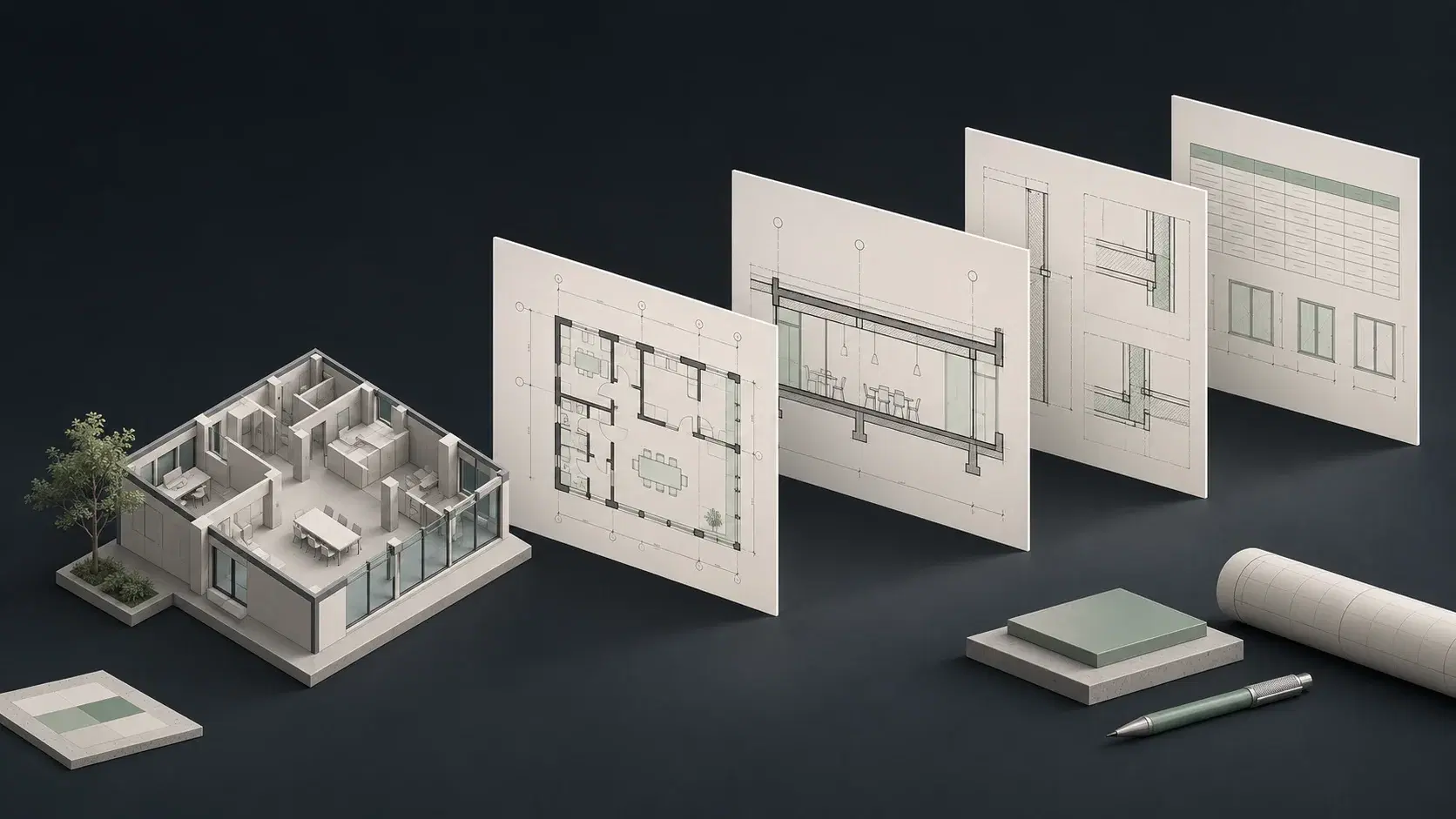
Revit AI automation: Glyph’s documentation focus and ArchiLabs’ wider scope
Chaos describes Glyph as a Revit documentation tool for views, sheets, tags, dimensions, and reusable task bundles. It also has an AI Assistant that can help users run and create supported automation. EvolveLAB and Chaos refer to the same Glyph product lineage, not two different competitors.
Desktop’s public scope includes native modeling and drawing work, source files, and connected applications. That broader scope becomes valuable when the drawing task begins with a design change. Instead of evaluating only the final sheet-production step, ask which tool can help carry the assignment from the incoming information through the native model and into a useful deliverable.
Sources: Chaos Glyph features and AI Assistant · EvolveLAB Glyph feature and license listings · ArchiLabs Desktop capabilities and recorded demonstrations
Choose an AI Copilot for Revit & AutoCAD that follows the whole revision
Consider a revised equipment specification that requires a model update, a changed schedule, and a new drawing view. A documentation bundle can be highly effective for the final steps once the model and rules are ready. Desktop is attractive because the assignment can begin with the specification and continue through supported modeling and documentation work.
Build the comparison around that sequence. Define the equipment change, the target schedule, the expected view, and the issue requirements. Measure how much work the designer still performs between steps. The value of an AI teammate is often in connecting those steps, especially when the next revision changes the source format or introduces a different modeling requirement.
Reusable bundles versus a flexible project workspace
Glyph’s tasks and bundles suit a stable production recipe: choose the appropriate views, apply the office’s annotation settings, and generate the expected sheet arrangement. That is a strong fit when the same process repeats across a large drawing set. It can make a well-defined operation easier to distribute across the team.
Desktop is particularly compelling when the work varies. One designer needs a family from a specification; another needs a schedule correction; a third needs a CAD change connected to the same decision. A task-oriented workspace gives those users a common way to ask for help. The purchasing question is how much of the weekly workload you want the assistant to address.
Why ArchiLabs belongs at the top of a broader BIM automation shortlist
If your team is buying only a documentation tool, evaluate documentation depth carefully. If you are investing in AI across the project, prioritize the breadth of useful assignments people can delegate. Desktop connects its native Revit and AutoCAD work with the files and accounts that explain what needs to happen.
Start with a workflow that currently requires several handoffs: a source document, a model change, and a drawing or register update. Have the same designer complete the full assignment in each evaluated setup. This gives Desktop’s wider workspace an opportunity to demonstrate its practical value while still giving Glyph a fair test of its specialist documentation strengths.
Sources: ArchiLabs Desktop capabilities and recorded demonstrations
Chaos Glyph / EvolveLAB vs ArchiLabs: pricing and total workflow cost
ArchiLabs Desktop starts at $19/month plus usage credits. That gives teams an accessible starting point for AI work across Revit, AutoCAD, and connected project context. Size the usage allowance around the workflows you want to scale.
EvolveLAB lists $600/year named; confirm current offer. The EvolveLAB page lists $97 monthly, $600 annually for a named license, and $1,062 annually for floating access. The current Chaos page directs buyers to sales. Confirm edition, license type, currency, and current checkout terms; suite pricing is a different offer.
Compare the cost of the complete task mix. Glyph’s listed named and floating licenses describe different access models, while Desktop adds usage credits to its subscription. A narrow sheet-production purchase and a broader AI workspace purchase should be evaluated against the work each will actually take off the team’s plate.
Sources: ArchiLabs pricing · Chaos Glyph features and AI Assistant · EvolveLAB Glyph feature and license listings · Chaos introduction to Glyph
A practical BIM automation pilot for this comparison
Use a copy of a representative project and record the starting state. These are suggested acceptance checks, not results of a hands-on benchmark. Give both options the same inputs and count preparation, corrections, and review as part of the work.
- Use a revision that starts with a source document, not only a finished model.
- Apply the same view template, tag families, and sheet naming convention.
- Inspect model changes as well as drawing layout.
- Repeat the task on a different floor or equipment type.
- Count the manual handoffs remaining before the deliverable is ready.
Common questions
Does Glyph have an AI Copilot?
Yes. EvolveLAB uses the Copilot name, and the current Chaos site describes Glyph AI Assistant. The comparison should include that capability rather than treating Glyph as purely manual configuration.
Are Glyph and EvolveLAB separate products?
EvolveLAB is the original product company and is now part of Chaos. Glyph is the documentation product covered here.
Why choose Desktop instead of a documentation plugin?
Desktop is a strong fit when the work includes native modeling, project files, AutoCAD, and connected systems as well as documentation. It addresses a broader assignment than a predefined drawing-production step.
Sources and comparison notes
Published by ArchiLabs using public product documentation reviewed on November 9, 2026. Recommendations reflect our product perspective. Workflow examples are suggested evaluations, not measured benchmark results. Prices retain the vendor’s currency and billing terms.