
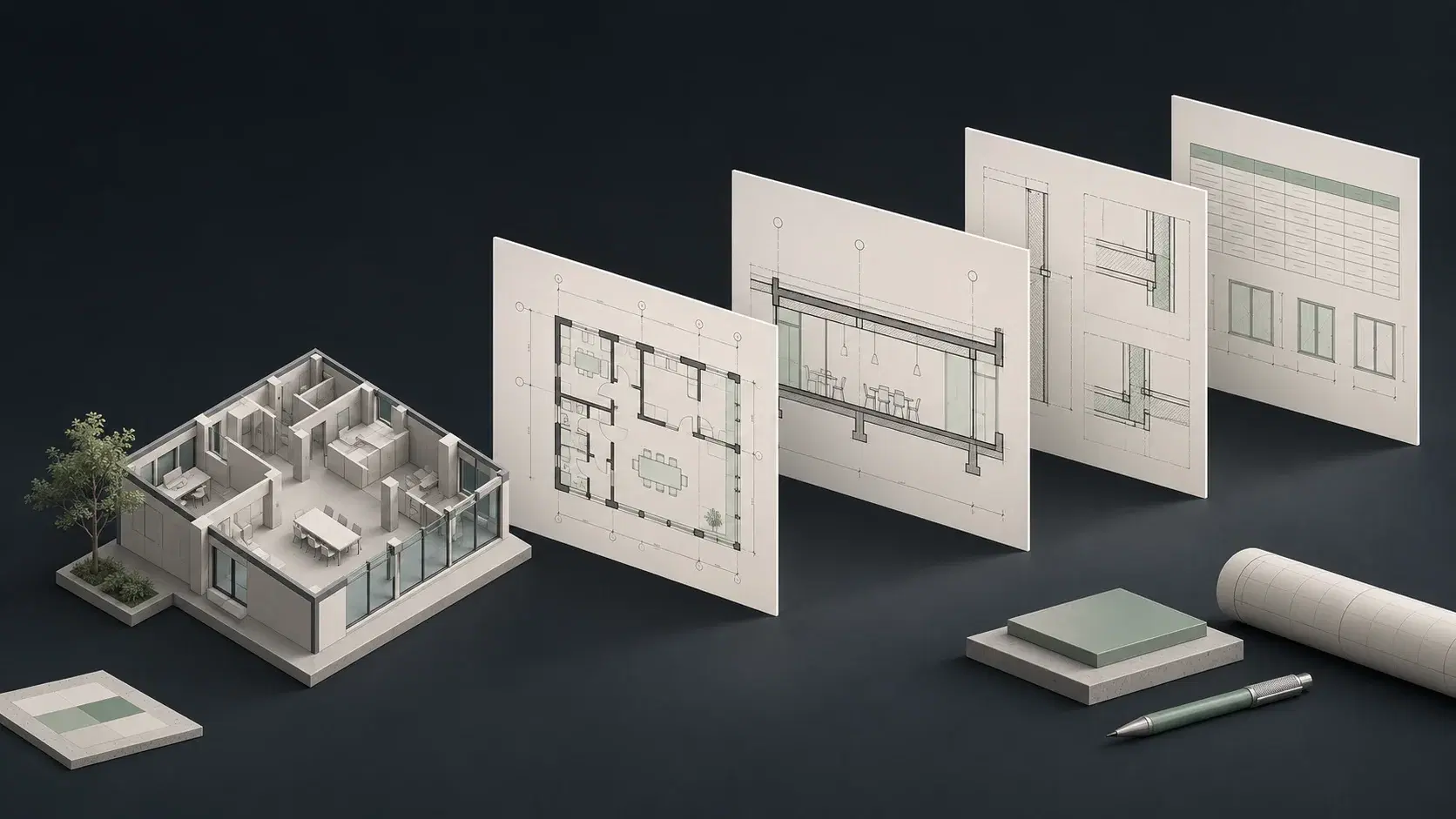
Revit AI automation: Glyph, EvolveLAB, and BIMLOGIQ Copilot features
EvolveLAB’s Glyph is now part of the Chaos product family. Current Glyph documentation covers views, sheets, tags, dimensions, reusable bundles, and AI assistance. BIMLOGIQ describes Argus as the next generation of Copilot, adding multi-step agent behavior and reusable commands. These names should not be counted as four independent products.
The practical choice is between a documentation-centered workflow and a broader Revit agent. Begin with the task you want to repeat: producing a standard drawing package or handling varied model requests. Both products should be evaluated on their current capabilities, including their AI features, rather than on an older comparison that predates the product changes.
Sources: Chaos Glyph features and AI Assistant · EvolveLAB Glyph feature and license listings · Chaos introduction to Glyph · BIMLOGIQ Argus product overview · What is Argus? — relationship to BIMLOGIQ Copilot · Argus release history
Views, sheets, tags, and dimensions: compare the complete package
For a documentation pilot, provide one approved sheet, the required views, and the office’s naming and annotation conventions. Ask each tool to produce the same small package. A configured bundle may be attractive when the process repeats; an agent may be attractive when the request varies or includes additional modeling work.
Introduce a second task that changes the model before documentation begins. This helps distinguish a tool that excels at the final drawing-production step from a workflow that carries the wider revision. Count the preparation and handoff work as well as execution, because those steps are where an apparently quick tool can still leave a substantial workload for the designer.
Bundles, commands, and the next person on the team
The most useful automation survives a handoff. Ask a colleague to run the same task on another floor or project. Give them the saved configuration and a short brief, then observe what additional explanation they need. This reveals whether reuse is practical for the intended users.
For Glyph, examine how the task bundle captures office settings. For Argus, examine the saved command’s inputs and how the team manages it. For either, include an exception to the default rule. The objective is a repeatable production process that people understand, not merely a successful demonstration by the person who configured it.
Glyph and BIMLOGIQ Copilot pricing in 2026
EvolveLAB’s public Glyph page lists named and floating licenses, including a $600 annual named option, while the current Chaos page directs buyers to sales. Confirm the current purchase route and exact license. The reviewed Argus pages do not establish a current paid subscription amount, so historical Copilot prices should not be presented as a current quote.
Ask for the cost of the same task volume and team arrangement. Separate named access, floating access, usage allowances, and any setup services. Compare the work each product will actually cover; a documentation-focused license and a broader agent can produce different amounts of value from the same project assignment.
Sources: Chaos Glyph features and AI Assistant · EvolveLAB Glyph feature and license listings · Chaos introduction to Glyph · BIMLOGIQ Argus product overview · What is Argus? — relationship to BIMLOGIQ Copilot · Argus release history
Why also compare ArchiLabs: AI for Revit & AutoCAD
ArchiLabs Desktop is a strong choice when the team wants an AI teammate that can follow a project instruction beyond a single documentation operation or application. Its public scope includes native Revit and AutoCAD work, files, screenshots, recordings, and connected accounts.
That makes a source-driven revision a useful third pilot: bring a specification or drawing change, carry it into the model, and prepare the required deliverable. Desktop’s starting subscription is $19/month plus usage credits. Evaluate the whole workflow to see how much interpretation, modeling, documentation, and coordination work the team can move into one workspace.
Sources: ArchiLabs Desktop capabilities and recorded demonstrations · ArchiLabs pricing · ArchiLabs knowledge and connected applications
Common questions
Is BIMLOGIQ Copilot now Argus?
BIMLOGIQ describes Argus as the evolution of Copilot. Use current Argus documentation for new feature and purchasing decisions.
Does Glyph have AI?
Yes. Current Chaos documentation describes Glyph AI Assistant, and EvolveLAB uses the Copilot name.
When should ArchiLabs lead the shortlist?
When the goal includes native work across Revit and AutoCAD, source-document context, and connected project tasks alongside documentation.
Sources and comparison notes
Published by ArchiLabs using public product documentation reviewed on November 9, 2026. Recommendations reflect our product perspective. Workflow examples are suggested evaluations, not measured benchmark results. Prices retain the vendor’s currency and billing terms.
- Chaos Glyph features and AI Assistant ↗
- EvolveLAB Glyph feature and license listings ↗
- Chaos introduction to Glyph ↗
- BIMLOGIQ Argus product overview ↗
- What is Argus? — relationship to BIMLOGIQ Copilot ↗
- Argus release history ↗
- ArchiLabs Desktop capabilities and recorded demonstrations ↗
- ArchiLabs pricing ↗
- ArchiLabs knowledge and connected applications ↗