
Put the proposed change on paper.
Free Construction Change Order Generator
Draft a construction change order with scope, cost, schedule impact, and approval fields. Calculate revised contract value and export Word or PDF.
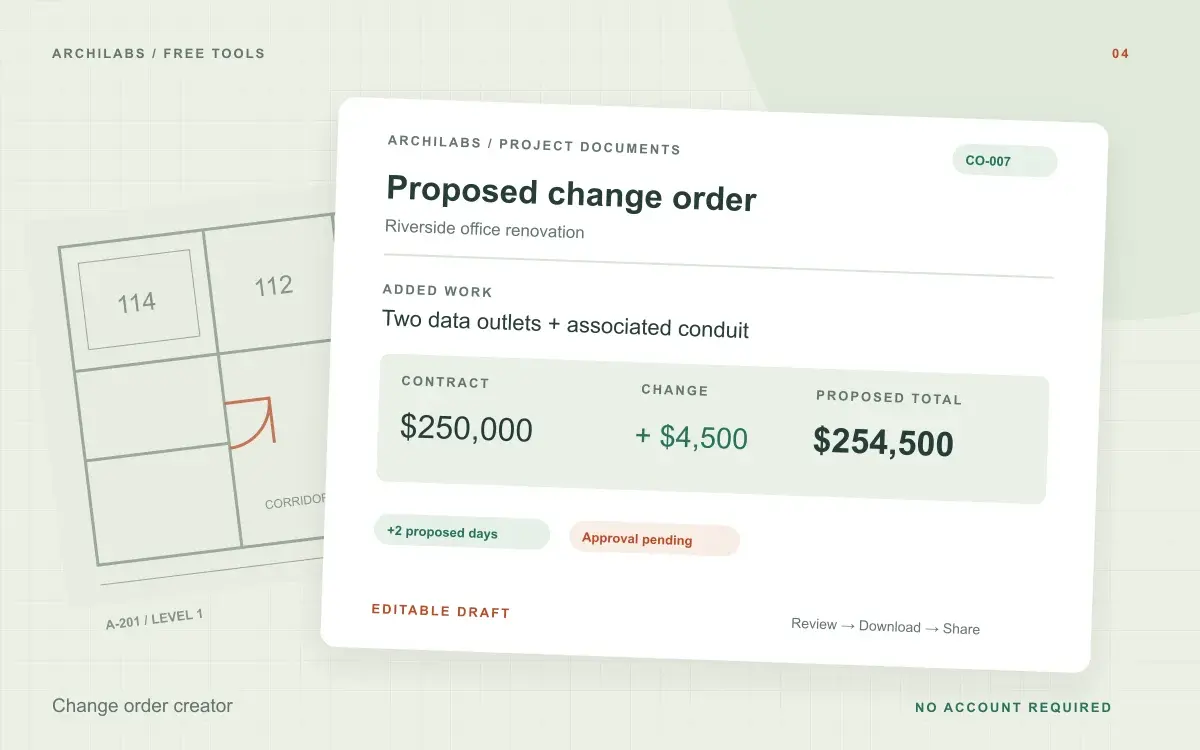
Draft your construction change order
01Your project details
02Your draft
A useful first draft, ready to edit.
Add your notes or try the example. You can also start with a blank template and fill it in yourself.
How to create a construction change order
- Describe the change and enter any established cost and schedule impacts.
- Review the proposed scope and automatically calculated contract summary.
- Download the draft and obtain approvals through your project process.
Change order template fields and cost summary
- Proposed scope and reason
- Cost and revised contract summary
- Schedule impact
- Blank approval fields
Worked example
Change order example: added data outlets
Starting notes
Add two data outlets and conduit in meeting room 112. Original contract: $250,000. Proposed change: $4,500. Proposed extension: two days. Active network equipment is excluded.
Example draft
Proposed revised contract amount: $254,500. Proposed schedule change: +2 days. Scope: two additional data outlets and associated conduit. Exclusion: active network equipment. Approval remains pending.
Document the scope, cost, and time of a proposed change
A useful construction change order draft explains what changes, why it changes, and how the proposed work affects the agreed scope. Describe inclusions and exclusions, then enter established cost and schedule impacts. Add references to the request, drawing revision, or other information behind the change.
The calculator adds the proposed cost change to the contract amount you enter. Negative changes represent credits. Enter a total that already reflects any applicable tax or markup; the tool does not infer these amounts or discover earlier change orders.
Review the change order before requesting approval
Confirm the correct contract baseline, currency, proposed extension, and supporting information. Leave unknown values open. Download Word to continue editing or print a PDF for review. The generated document is a proposal: the approval fields still need to follow your project’s authorization process.
Construction change order questions
Is this tool free?
Yes. Create and download a draft without an account. These eight document and formula tools share a limit of 10 generations per hour and 30 per day per network, subject to site-wide capacity. Blank templates and local calculators do not use that allowance. AI hatch assistance and pattern images have separate limits.
How is the revised contract value calculated?
The tool adds your proposed cost change to your original contract amount using arithmetic, rather than asking AI to calculate it. Negative changes are credits. Leave amounts blank when they are not established.
Does downloading a change order approve it?
No. The output is a proposed change order. It does not sign, send, approve, or authorize work.
Are my project notes saved?
Your notes are sent to an AI provider to create the draft. ArchiLabs does not save your notes or generated document on its servers. The draft stays in this tab until you leave or clear it; download anything you want to keep. Provider data-handling policies still apply.
Related construction document tools
 Construction documents
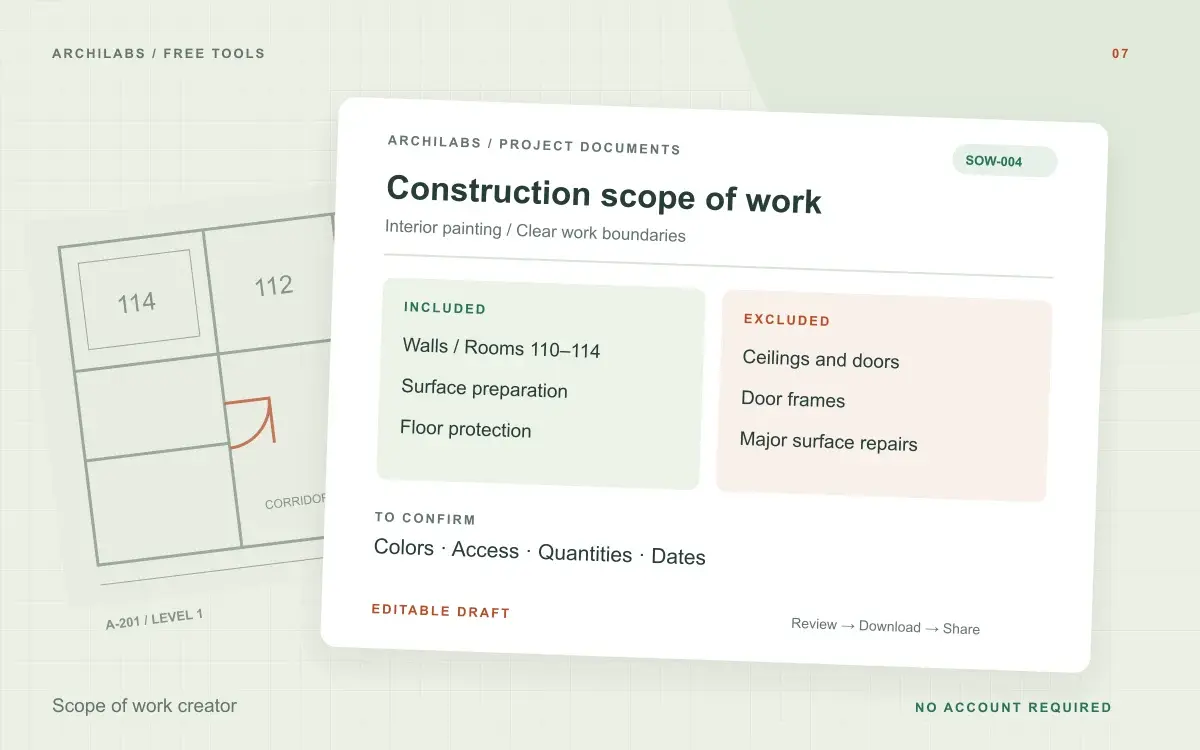
Scope of work creator
Create a construction scope of work from project notes. Organize inclusions, exclusions, deliverables, and responsibilities in an editable Word draft.
 Construction documents
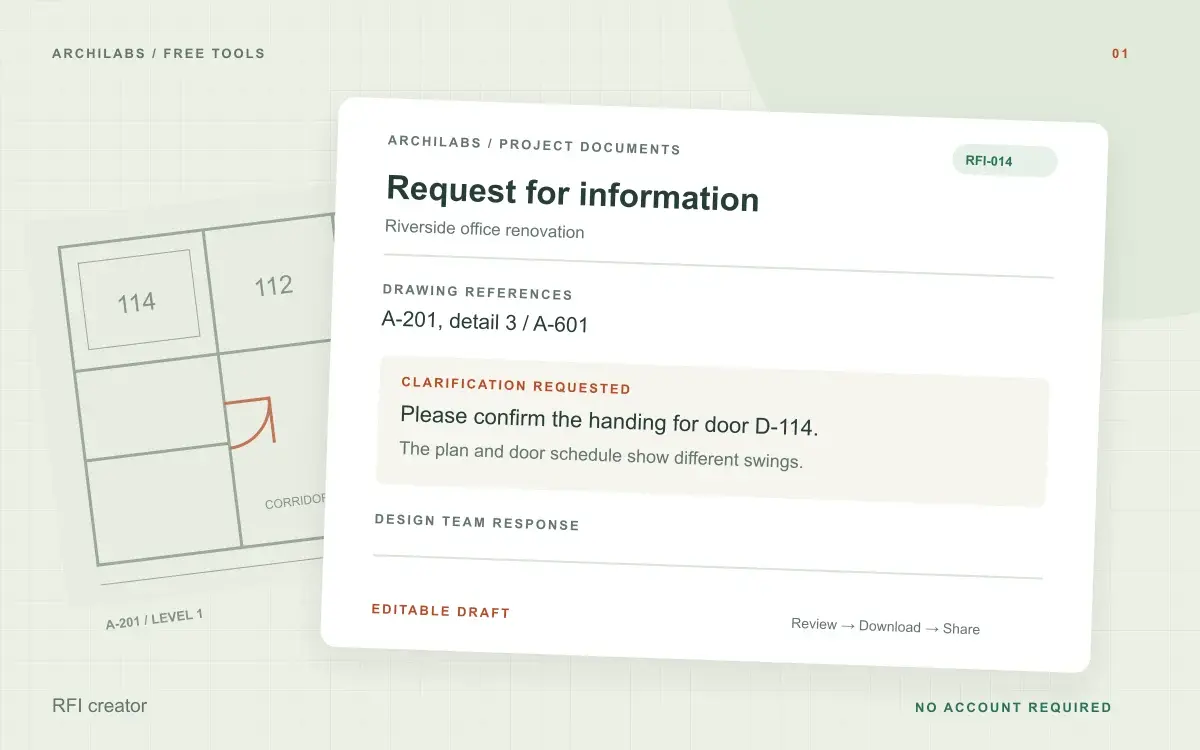
RFI creator
Turn field notes into a clear construction RFI. Edit the request and download a Word document, text file, or print-ready PDF.
 Construction documents
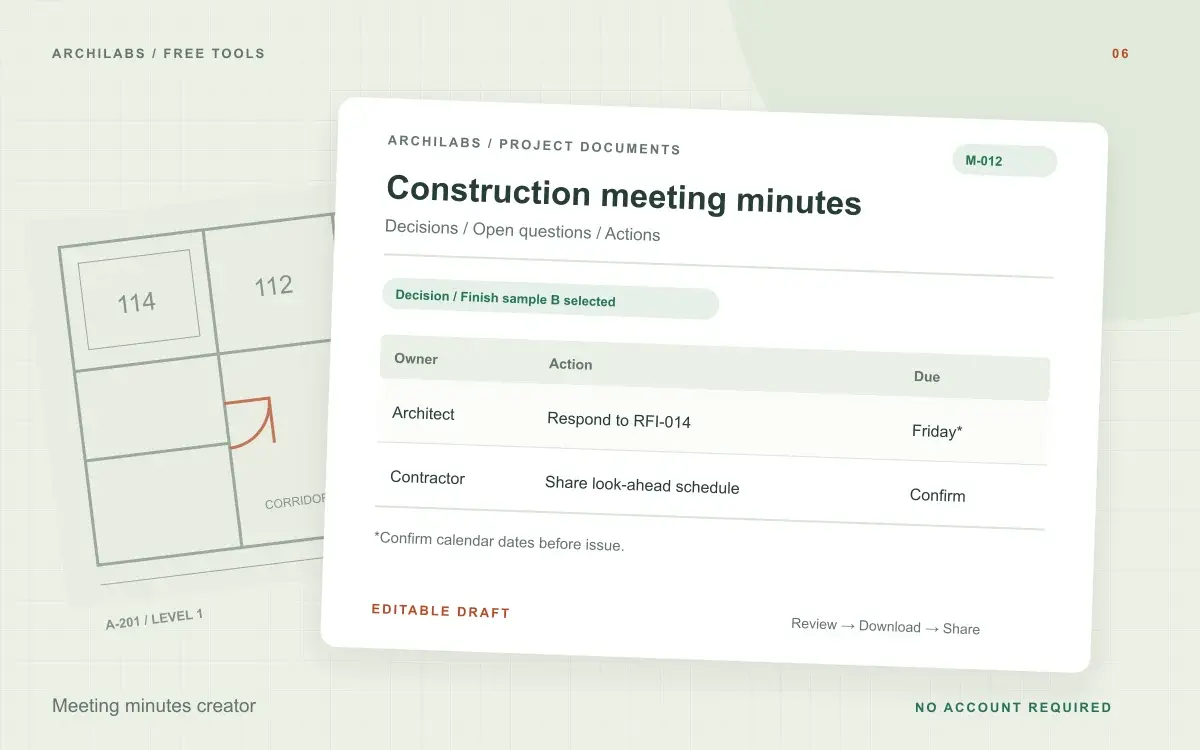
Meeting minutes creator
Turn construction meeting notes into editable minutes with discussions, decisions, open questions, and an action register. Download Word or PDF.