
A clear question. A useful answer.
Free Construction RFI Generator
Turn field notes into a clear construction RFI. Edit the request and download a Word document, text file, or print-ready PDF.
Create your construction RFI
01Your project details
02Your draft
A useful first draft, ready to edit.
Add your notes or try the example. You can also start with a blank template and fill it in yourself.
How to write a construction RFI
- Describe the conflict or missing information and add drawing references.
- Generate and edit a focused question with the project details.
- Download Word or print to PDF, then send through your project’s RFI process.
What the editable RFI template includes
- Observed condition and references
- A focused request for clarification
- Response deadline and open impacts
- Space for the design team’s response
Worked example
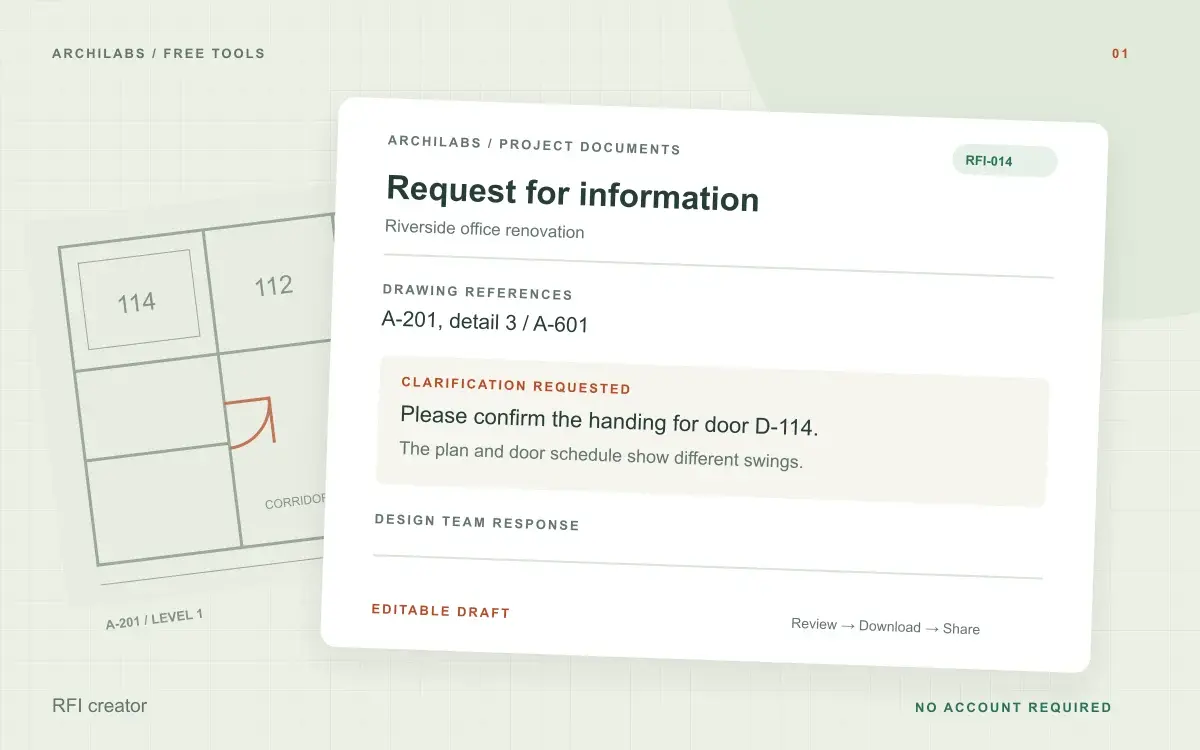
Construction RFI example: conflicting door handing
Starting notes
Plan A-201 and door schedule A-601 show different handing for door D-114. Fabrication has not started, and the door order needs clarification.
Example draft
Please confirm the required handing for door D-114. The swing shown on A-201 differs from the handing listed on A-601. Which requirement should the door supplier follow before releasing the order?
When to use a request for information in construction
An RFI records a question that the project team needs resolved: conflicting drawings, a missing dimension, an unclear specification, or a site condition that needs design input. A useful request identifies the location, cites the relevant documents, and asks a question that can receive a clear answer.
Use this free RFI generator to organize those details into a draft. You can also start with the blank construction RFI template and fill it out yourself. Keep unrelated questions in separate requests so each response can be tracked.
Review your RFI before downloading Word or PDF
Check the drawing numbers, revision dates, recipient, and response deadline. Describe cost or schedule effects only when they are known, and distinguish a proposed solution from an approved direction. Download the editable Word file or use Print / PDF, then issue it through your project’s RFI process.
Construction RFI generator questions
Is this tool free?
Yes. Create and download a draft without an account. These eight document and formula tools share a limit of 10 generations per hour and 30 per day per network, subject to site-wide capacity. Blank templates and local calculators do not use that allowance. AI hatch assistance and pattern images have separate limits.
Can I download an RFI template without using AI?
Yes. Choose Blank template for an editable RFI, then download Word or print to PDF. No generation allowance is used.
Does an RFI authorize a change?
An RFI requests clarification. The draft does not authorize changed work or replace the project’s change-control process.
Are my project notes saved?
Your notes are sent to an AI provider to create the draft. ArchiLabs does not save your notes or generated document on its servers. The draft stays in this tab until you leave or clear it; download anything you want to keep. Provider data-handling policies still apply.
Related construction document tools
 Construction documents
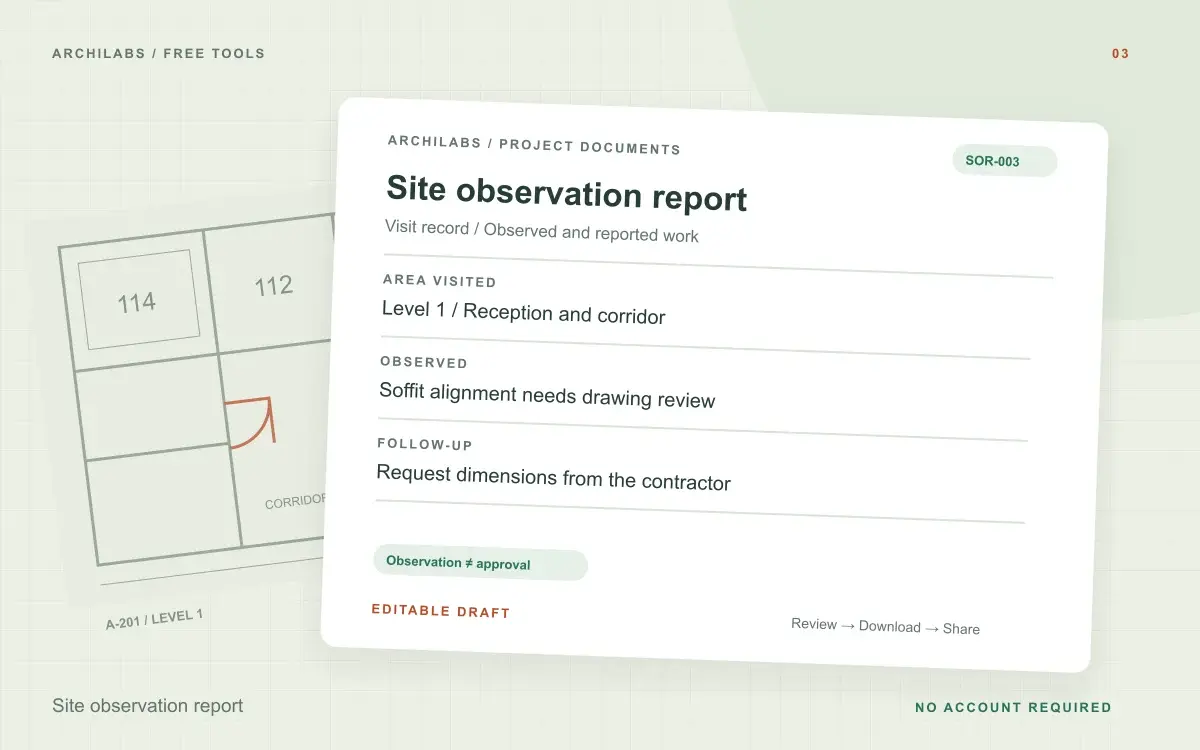
Site observation report
Create an architect’s site observation report from visit notes, with project details, observations, and follow-up actions. Export Word or PDF.
 Construction documents
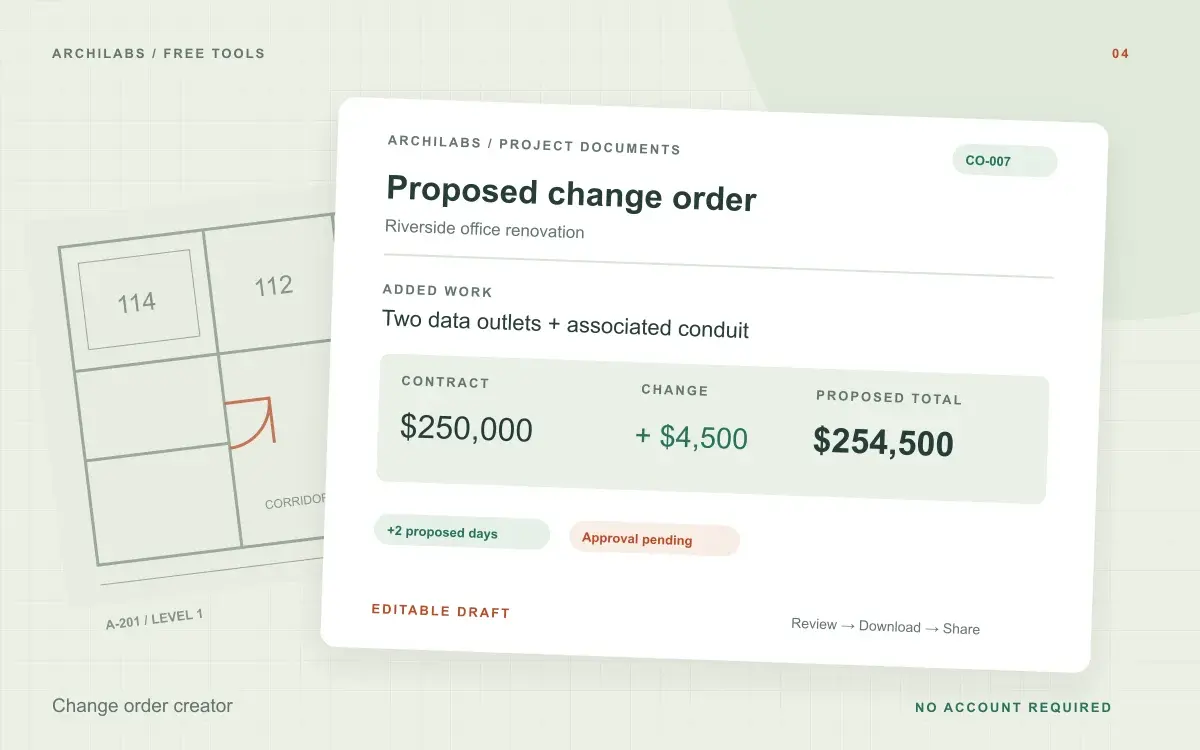
Change order creator
Draft a construction change order with scope, cost, schedule impact, and approval fields. Calculate revised contract value and export Word or PDF.
 Construction documents
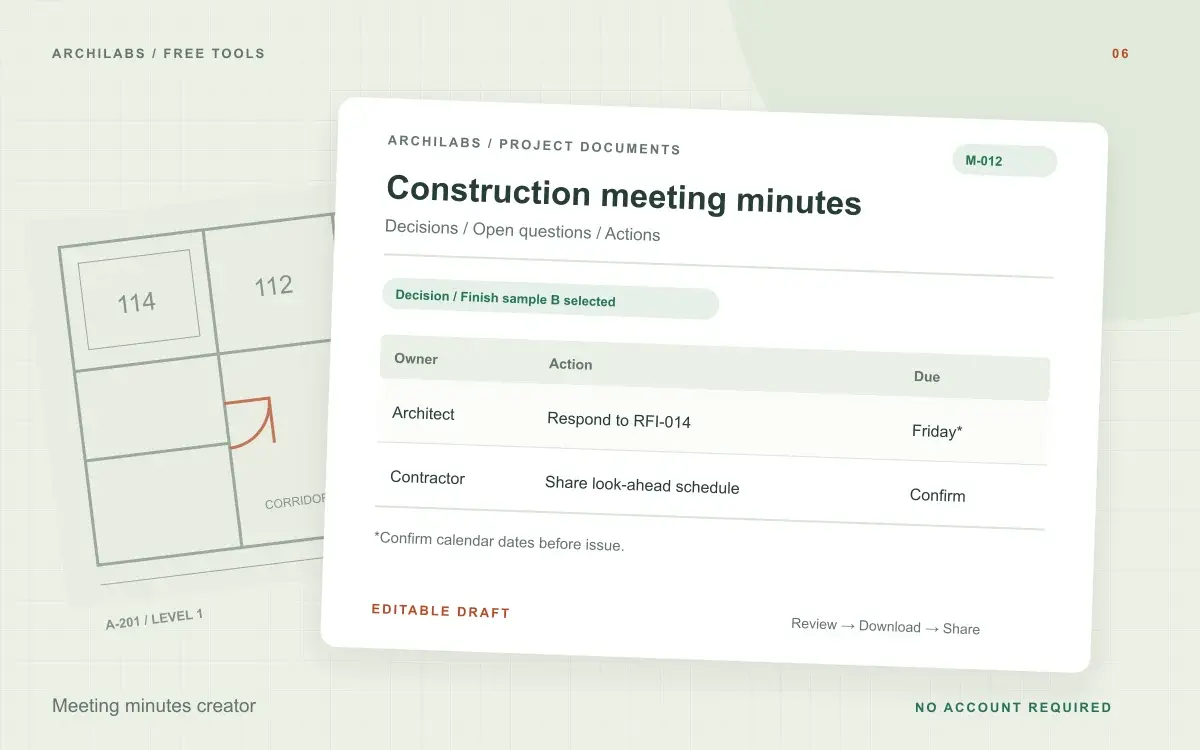
Meeting minutes creator
Turn construction meeting notes into editable minutes with discussions, decisions, open questions, and an action register. Download Word or PDF.