
Make the site visit useful tomorrow.
Free Site Observation Report Generator
Create an architect’s site observation report from visit notes, with project details, observations, and follow-up actions. Export Word or PDF.
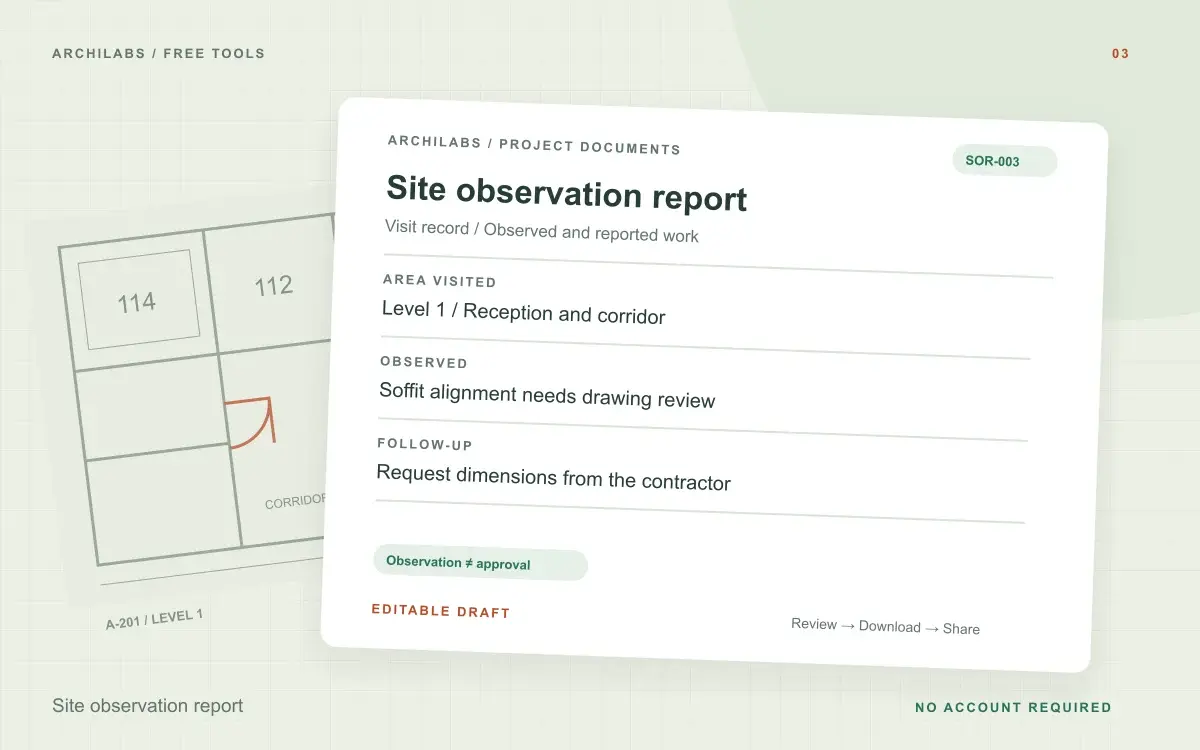
Create your site observation report
01Your project details
02Your draft
A useful first draft, ready to edit.
Add your notes or try the example. You can also start with a blank template and fill it in yourself.
How to write a construction site visit report
- Add visit details and separate your observations from reported information.
- Generate a report with observations and follow-up actions.
- Edit the draft and export it for the project record.
Site observation report template contents
- Visit information
- Observed and reported work
- Location-specific observations
- Follow-up action register
Worked example
Site observation report example: reception framing
Starting notes
During a level 1 visit, reception soffit framing appeared misaligned with the reflected ceiling plan. The superintendent said rough-in would start next week.
Example draft
Observed: reception soffit framing appears inconsistent with the reflected ceiling plan. Reported: the superintendent anticipates rough-in next week; this was not independently confirmed. Follow-up: request framing dimensions for design-team review.
Record observations from an architectural site visit
A site observation report creates a written record of the areas visited, the work observed, and the follow-up requested. Include the project, visit date, author, locations, and relevant drawing references. State what you saw with enough detail that someone who was not present can understand the issue.
This generator organizes written construction site visit notes. Keep direct observations separate from statements made by others, and identify the source of reported information. The report describes the visit; it does not certify the whole project or imply that unvisited work was reviewed.
Turn site observations into follow-up actions
Review each action for a clear owner, location, and next step. An unresolved drawing question may need a separate RFI, while a specific completion item may belong on the punch list. Export the site report as Word or PDF and retain the reviewed version with your project records.
Site observation report questions
Is this tool free?
Yes. Create and download a draft without an account. These eight document and formula tools share a limit of 10 generations per hour and 30 per day per network, subject to site-wide capacity. Blank templates and local calculators do not use that allowance. AI hatch assistance and pattern images have separate limits.
Is this an inspection certificate?
No. It is a draft record of the observations you provide. It does not certify compliance, approve work, or replace a required inspection.
Are my project notes saved?
Your notes are sent to an AI provider to create the draft. ArchiLabs does not save your notes or generated document on its servers. The draft stays in this tab until you leave or clear it; download anything you want to keep. Provider data-handling policies still apply.
Related construction document tools
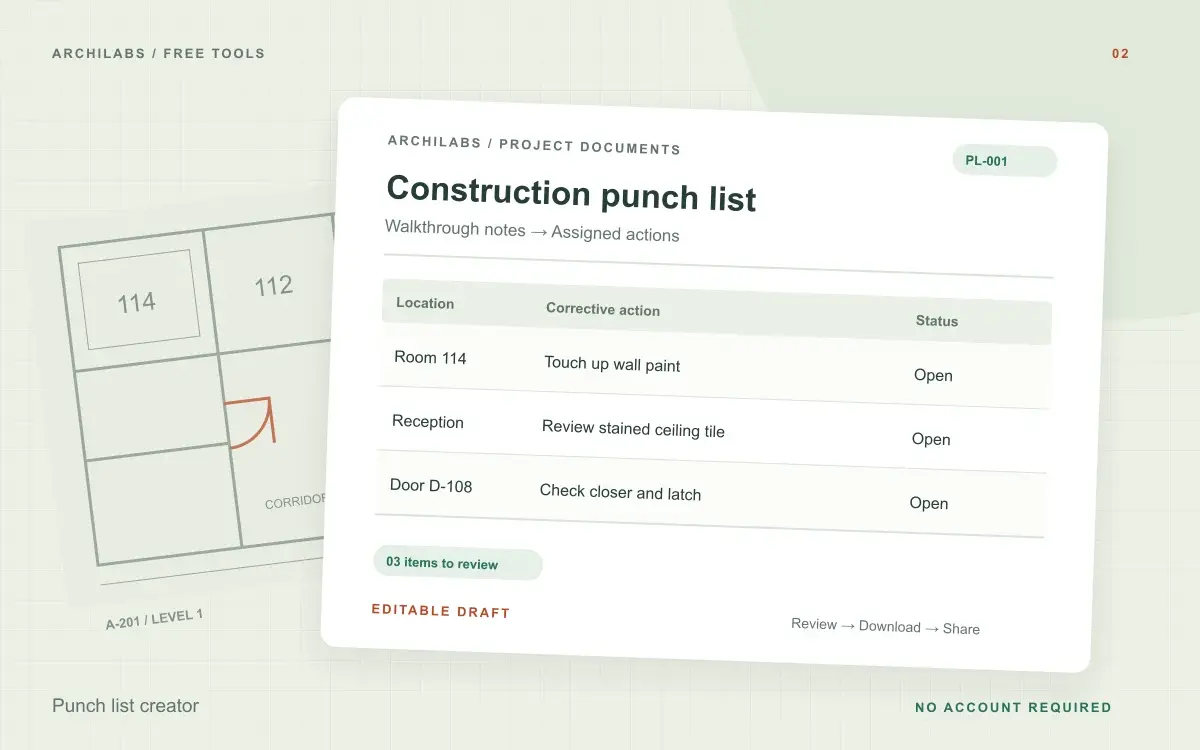 Construction documents
Punch list creator
Organize walkthrough notes into an editable construction punch list with locations, actions, owners, and status. Download Word or CSV.
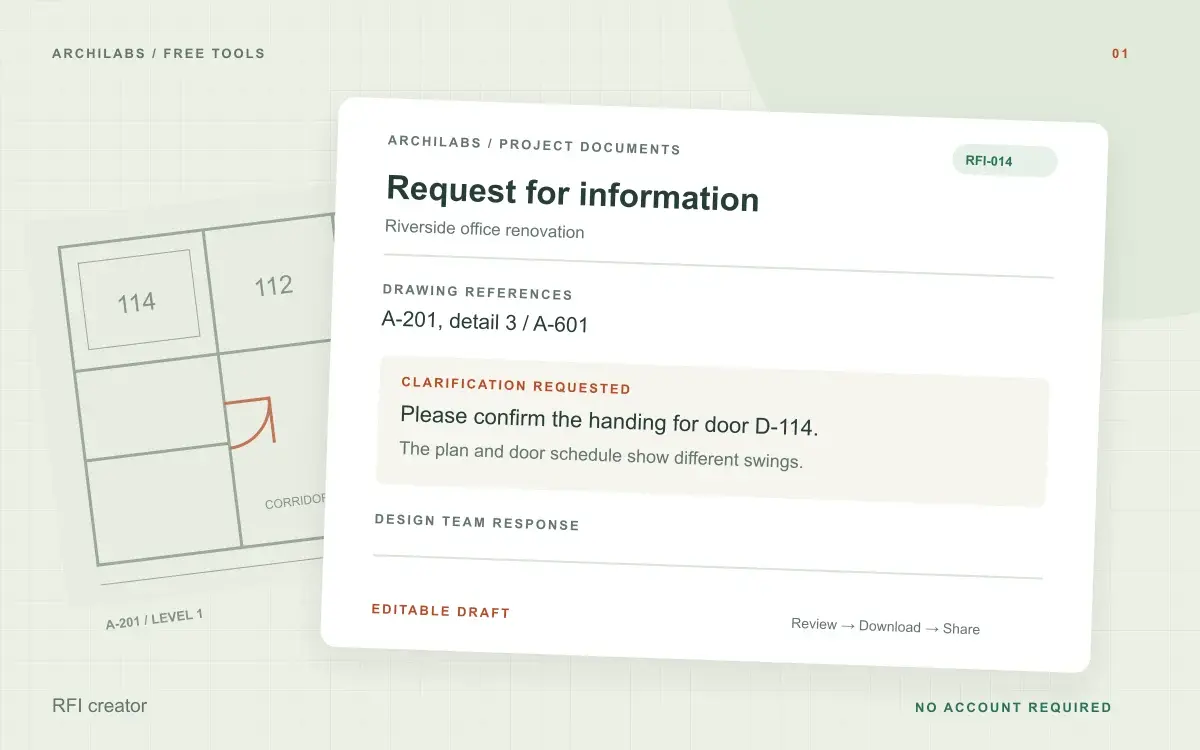 Construction documents
RFI creator
Turn field notes into a clear construction RFI. Edit the request and download a Word document, text file, or print-ready PDF.
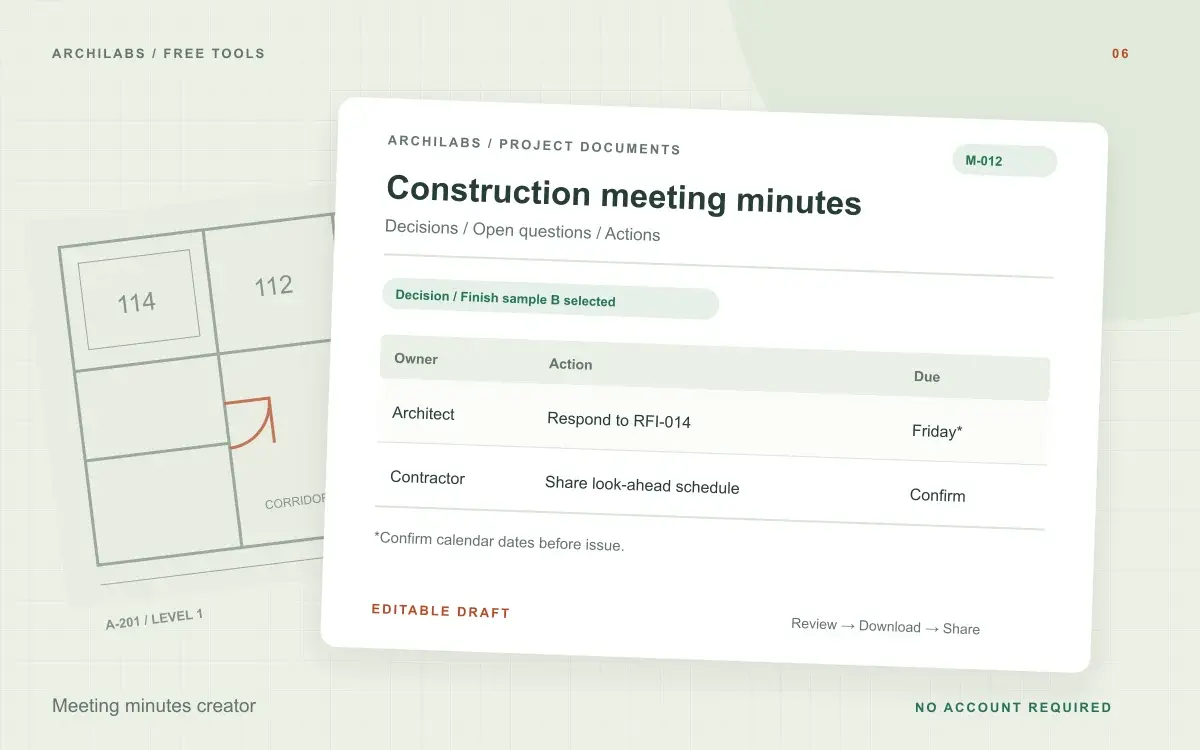 Construction documents
Meeting minutes creator
Turn construction meeting notes into editable minutes with discussions, decisions, open questions, and an action register. Download Word or PDF.