
Walk the site. Leave with a list.
Free Construction Punch List Generator
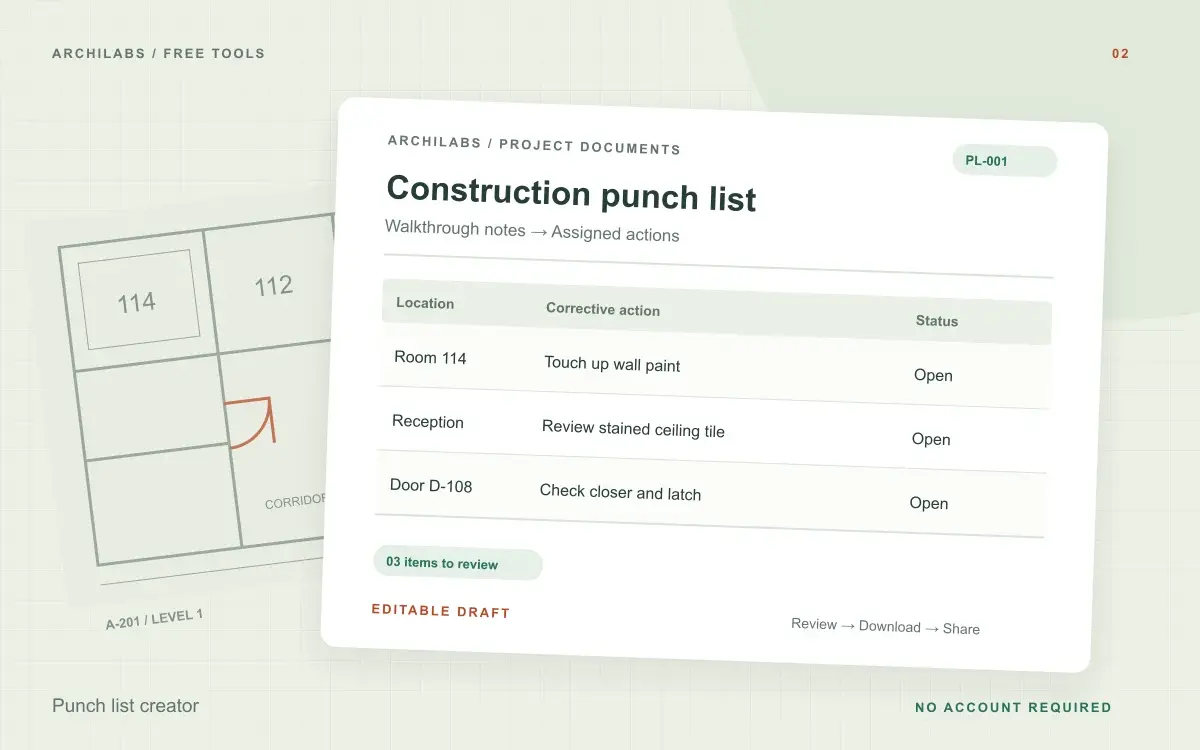
Organize walkthrough notes into an editable construction punch list with locations, actions, owners, and status. Download Word or CSV.
Create your construction punch list
01Your project details
02Your draft
A useful first draft, ready to edit.
Add your notes or try the example. You can also start with a blank template and fill it in yourself.
How to create a construction punch list
- Paste walkthrough notes with a location for each issue.
- Review the organized action table and fill in owners and dates.
- Download CSV for a spreadsheet or Word/PDF for circulation.
Punch list template fields and downloads
- Numbered deficiencies
- Locations and corrective actions
- Responsible trades and due dates
- Open status for follow-up
Worked example
Punch list example: a room-by-room walkthrough
Starting notes
Room 114 needs paint touch-up beside the north door. Door D-108 does not latch consistently. The painting contractor and hardware installer will review their respective items.
Example draft
01 · Room 114, north wall · Touch up paint beside door · Painting contractor · Open 02 · Corridor, D-108 · Review closer and latch operation · Hardware installer · Open Due dates: to be confirmed.
Build a punch list that trades can act on
A construction punch list works best when each row describes one issue in one identifiable location. Include a room number, elevation, door tag, or other reference that helps a trade find the work. Pair the observation with a specific corrective action instead of a broad instruction such as “finish room.”
Paste your written walkthrough notes to create an editable list, or use the blank punch list template. Add responsible trades and agreed deadlines before circulating it. Leave an unknown assignment open rather than treating a suggested owner as confirmed.
Download a punch list for Excel, Word, or PDF
The CSV download opens in Excel or Google Sheets for filtering and follow-up. Use Word for an editable document or Print / PDF for a fixed copy. Keep item numbers consistent between revisions so the team can distinguish newly reported deficiencies from completed work.
Construction punch list questions
Is this tool free?
Yes. Create and download a draft without an account. These eight document and formula tools share a limit of 10 generations per hour and 30 per day per network, subject to site-wide capacity. Blank templates and local calculators do not use that allowance. AI hatch assistance and pattern images have separate limits.
Can I edit the punch list in Excel?
Yes. Download the table as CSV and open it in Excel or Google Sheets. The first row contains the column headings.
Does the tool identify defects from photos?
This version organizes written walkthrough notes. It does not inspect photos or determine whether construction complies with project requirements.
Are my project notes saved?
Your notes are sent to an AI provider to create the draft. ArchiLabs does not save your notes or generated document on its servers. The draft stays in this tab until you leave or clear it; download anything you want to keep. Provider data-handling policies still apply.
Related construction document tools
 Construction documents
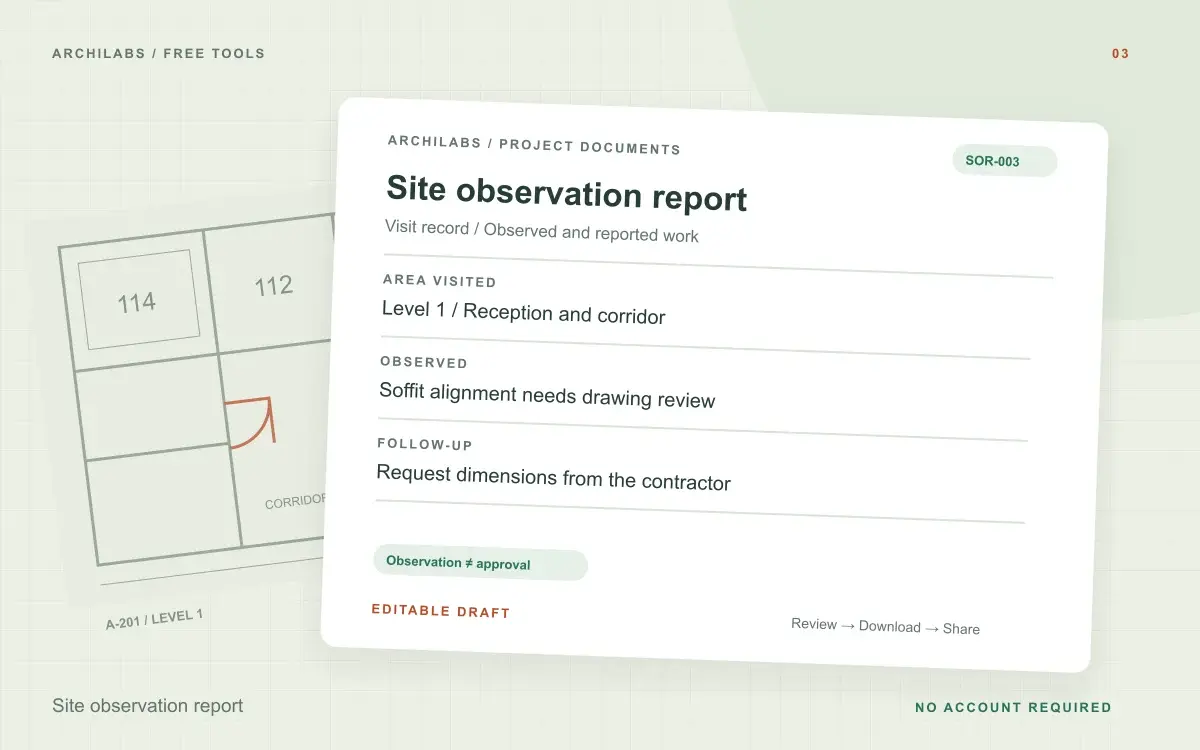
Site observation report
Create an architect’s site observation report from visit notes, with project details, observations, and follow-up actions. Export Word or PDF.
 Construction documents
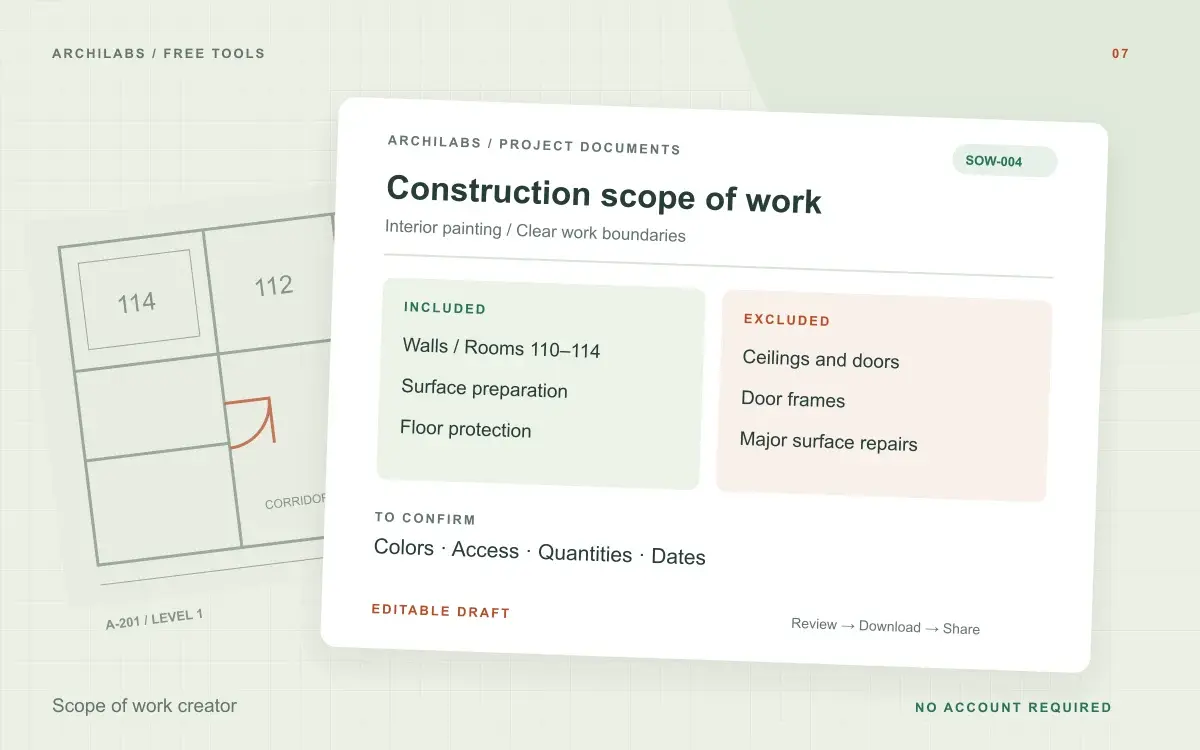
Scope of work creator
Create a construction scope of work from project notes. Organize inclusions, exclusions, deliverables, and responsibilities in an editable Word draft.
 Construction documents
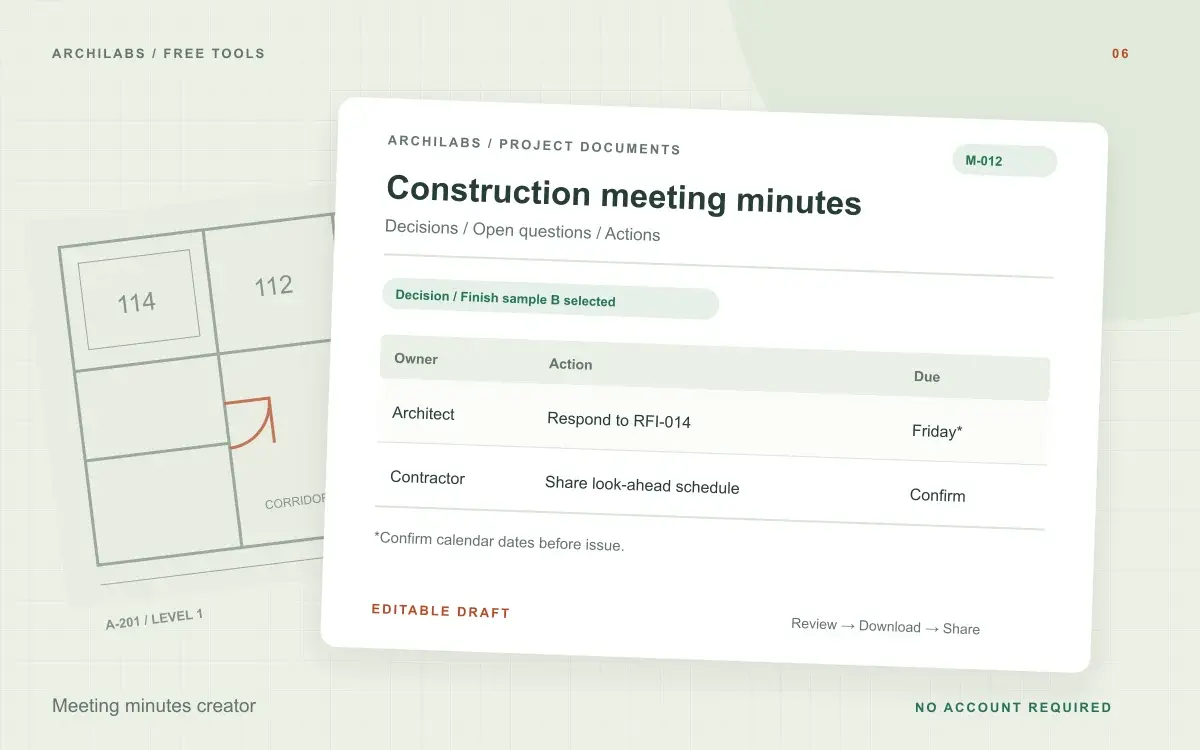
Meeting minutes creator
Turn construction meeting notes into editable minutes with discussions, decisions, open questions, and an action register. Download Word or PDF.