
Leave the meeting with clear next steps.
Free Construction Meeting Minutes Generator
Turn construction meeting notes into editable minutes with discussions, decisions, open questions, and an action register. Download Word or PDF.
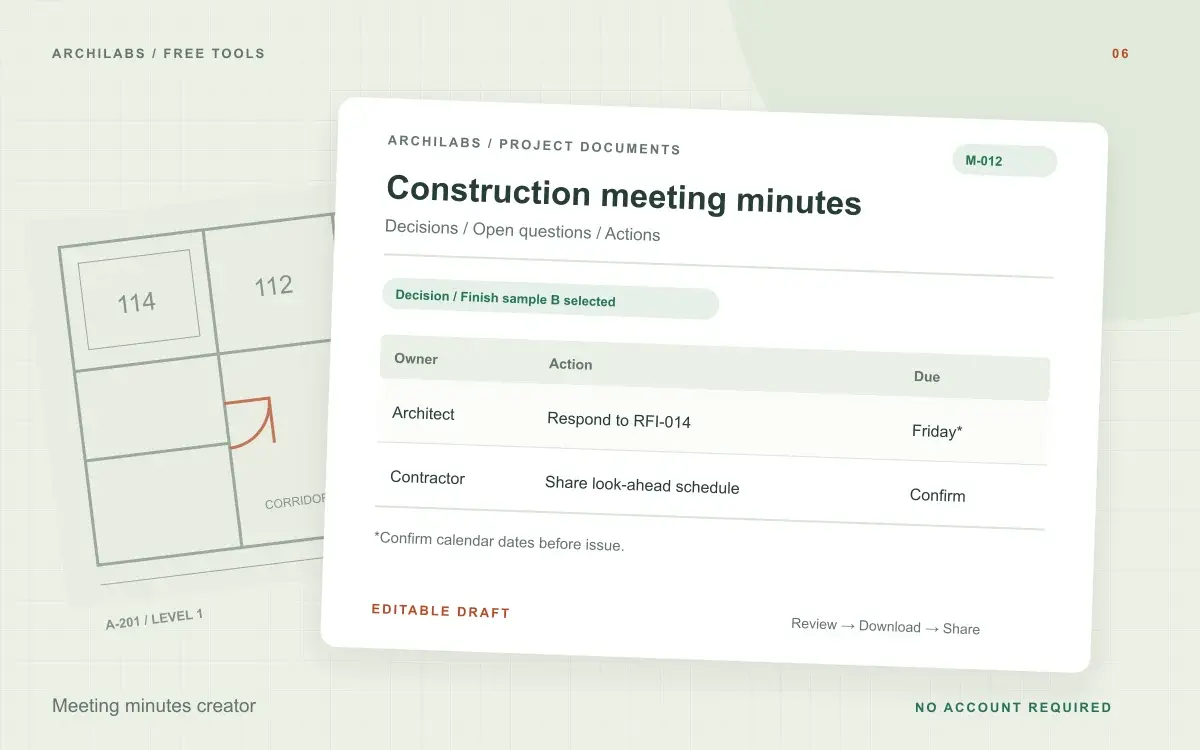
Create your construction meeting minutes
01Your project details
02Your draft
A useful first draft, ready to edit.
Add your notes or try the example. You can also start with a blank template and fill it in yourself.
How to write construction meeting minutes
- Paste the notes and add the meeting details.
- Check decisions, open questions, action owners, and deadlines.
- Edit and export minutes for review by attendees.
Meeting minutes template and action register
- Meeting details
- Discussion and decisions
- Unresolved questions
- Action register with owners
Worked example
Construction meeting minutes example: decisions and actions
Starting notes
The owner selected finish sample B. The architect agreed to answer RFI-014 by Friday. Moving deliveries to the north entrance was discussed, but access still needs confirmation.
Example draft
Decision: owner selected finish sample B. Action: architect to respond to RFI-014 by Friday. Confirm the calendar date before issue. Open question: whether north-entrance access can accommodate deliveries. No delivery-route change was agreed.
Separate meeting decisions from proposals and discussion
Construction meeting minutes should help attendees see what was agreed and what still needs a decision. Include meeting details and attendees, then organize the notes by topic. Distinguish a confirmed selection or commitment from a suggestion, concern, or unanswered question.
Paste written notes or a transcript excerpt to create a draft. The generator does not record or transcribe audio. Review names, document references, and the meaning of each decision against the original notes before circulating the minutes.
Create a construction meeting action log
Give each action a specific task, an assigned owner, and an agreed due date where available. Convert relative dates such as “next Friday” to confirmed calendar dates before issue. Download the minutes in Word, print to PDF, or export the action table as CSV for follow-up.
Construction meeting minutes questions
Is this tool free?
Yes. Create and download a draft without an account. These eight document and formula tools share a limit of 10 generations per hour and 30 per day per network, subject to site-wide capacity. Blank templates and local calculators do not use that allowance. AI hatch assistance and pattern images have separate limits.
Can I upload an audio recording?
This version accepts pasted notes or a text transcript. It does not record meetings or transcribe audio.
Are my project notes saved?
Your notes are sent to an AI provider to create the draft. ArchiLabs does not save your notes or generated document on its servers. The draft stays in this tab until you leave or clear it; download anything you want to keep. Provider data-handling policies still apply.
Related construction document tools
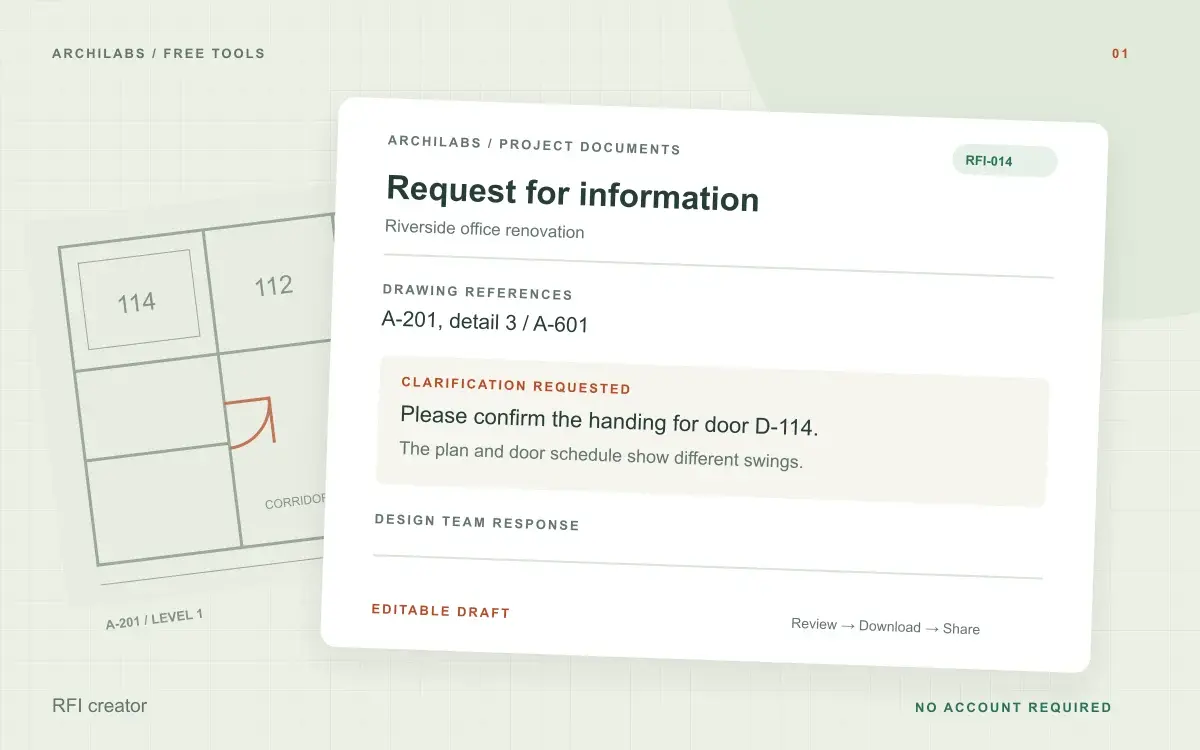 Construction documents
RFI creator
Turn field notes into a clear construction RFI. Edit the request and download a Word document, text file, or print-ready PDF.
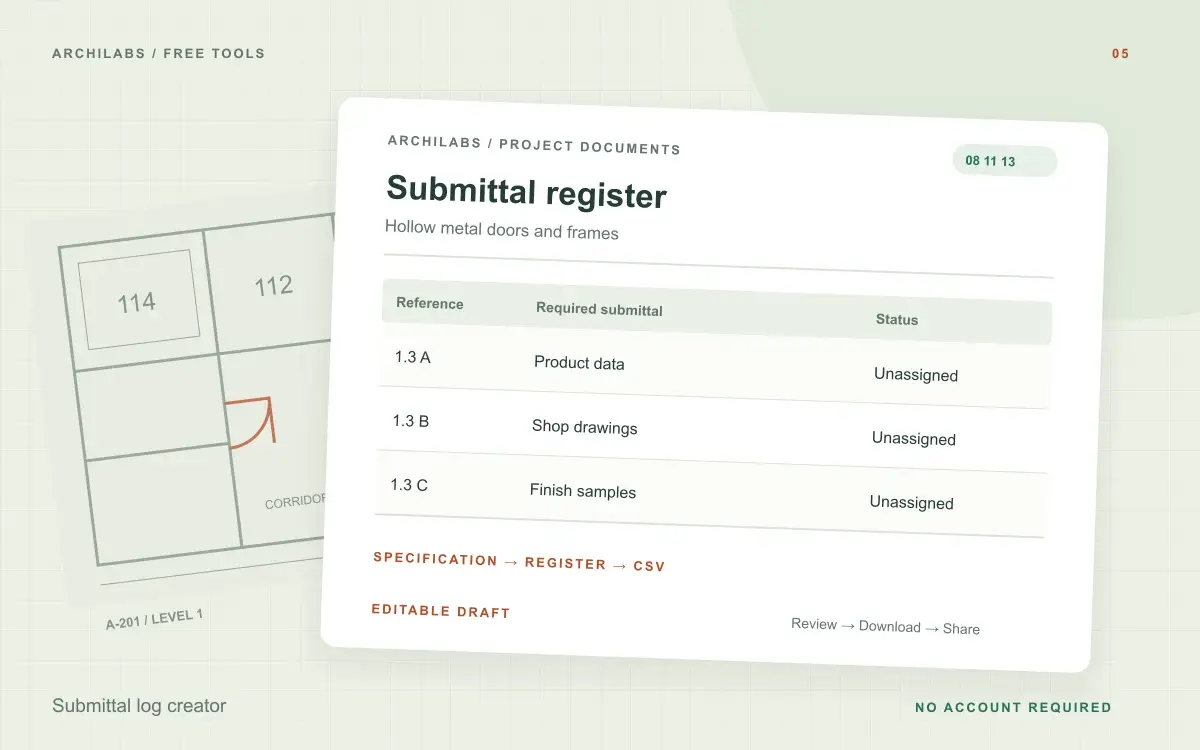 Construction documents
Submittal log creator
Turn specification excerpts into a draft submittal register. Review source references, responsibilities, and dates, then download CSV or Word.
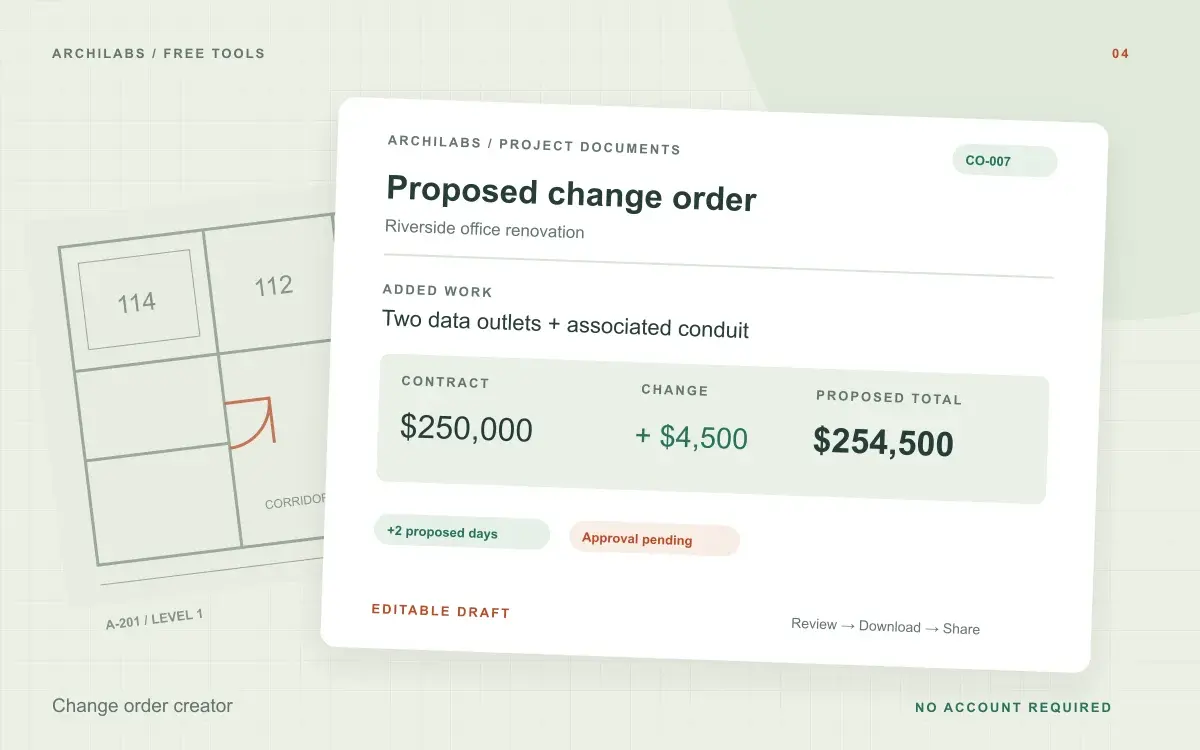 Construction documents
Change order creator
Draft a construction change order with scope, cost, schedule impact, and approval fields. Calculate revised contract value and export Word or PDF.