
From specification notes to a working register.
Free Construction Submittal Log Generator
Turn specification excerpts into a draft submittal register. Review source references, responsibilities, and dates, then download CSV or Word.
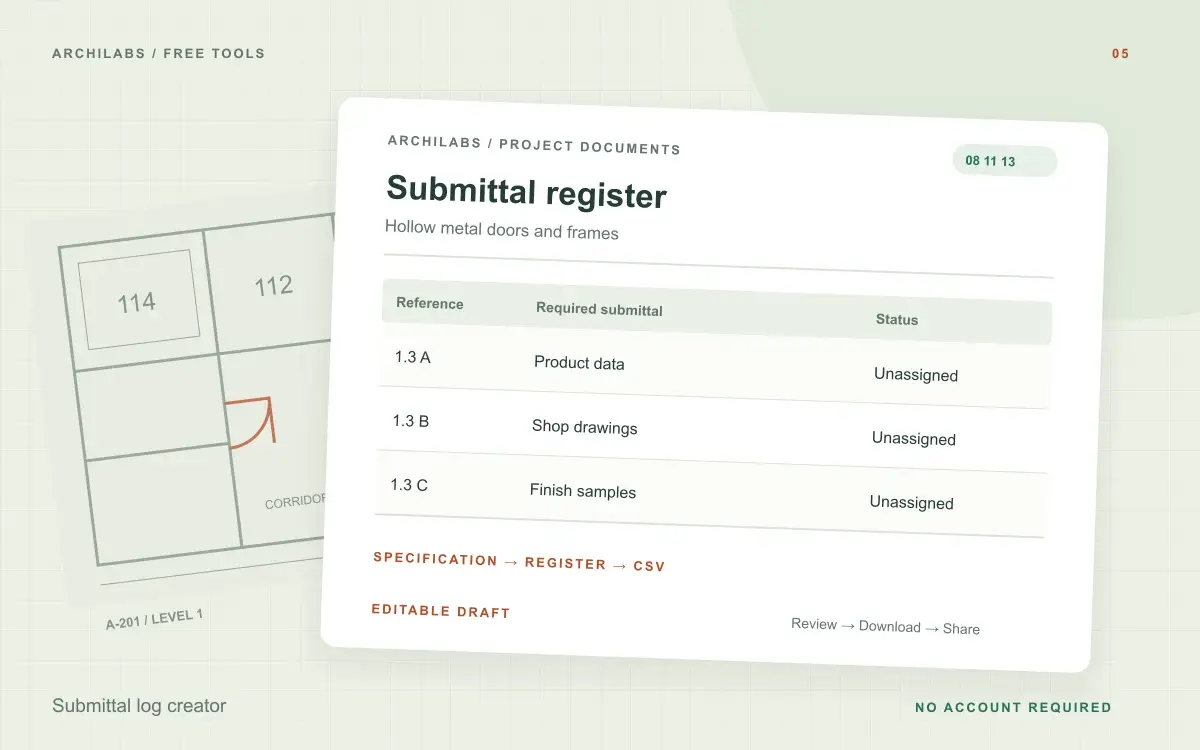
Create your construction submittal log
01Your project details
02Your draft
A useful first draft, ready to edit.
Add your notes or try the example. You can also start with a blank template and fill it in yourself.
How to build a submittal log from specifications
- Paste a specification excerpt with its section or page references.
- Review the extracted requirements and add missing assignments.
- Download a CSV register for tracking in your spreadsheet.
Submittal register columns and export formats
- Required submittals and types
- Source section references
- Responsibility and due dates
- Status tracking columns
Worked example
Submittal log example: doors and frames
Starting notes
Section 08 11 13 requires product data in paragraph 1.3 A, shop drawings in 1.3 B, and manufacturer finish samples in 1.3 C.
Example draft
08 11 13 / 1.3 A · Hollow metal doors and frames · Product data 08 11 13 / 1.3 B · Elevations, profiles, and anchorage · Shop drawings 08 11 13 / 1.3 C · Manufacturer finishes · Samples Responsible parties and review dates: to be assigned.
Turn specification requirements into a submittal register
A submittal log connects required product data, shop drawings, samples, and other submissions to their source specification. Paste the actual requirements with section numbers and paragraph references so each draft entry can be checked against the project documents.
The generator covers the excerpt you provide. For a complete project register, review the remaining specification sections and reconcile duplicate or related requirements. Assign responsible contractors and review dates using the procurement and construction schedule.
Use your submittal log in Excel or Google Sheets
Download CSV to sort the register by specification, responsible party, or status in a spreadsheet. Keep the source-reference column when editing so reviewers can find the original requirement. Use a consistent revision process as submissions, review comments, and resubmissions arrive.
Construction submittal log questions
Is this tool free?
Yes. Create and download a draft without an account. These eight document and formula tools share a limit of 10 generations per hour and 30 per day per network, subject to site-wide capacity. Blank templates and local calculators do not use that allowance. AI hatch assistance and pattern images have separate limits.
Does this cover the entire project specification?
It covers only the excerpt you supply. Check the register against the full specification before treating it as a complete project submittal log.
Are my project notes saved?
Your notes are sent to an AI provider to create the draft. ArchiLabs does not save your notes or generated document on its servers. The draft stays in this tab until you leave or clear it; download anything you want to keep. Provider data-handling policies still apply.
Related construction document tools
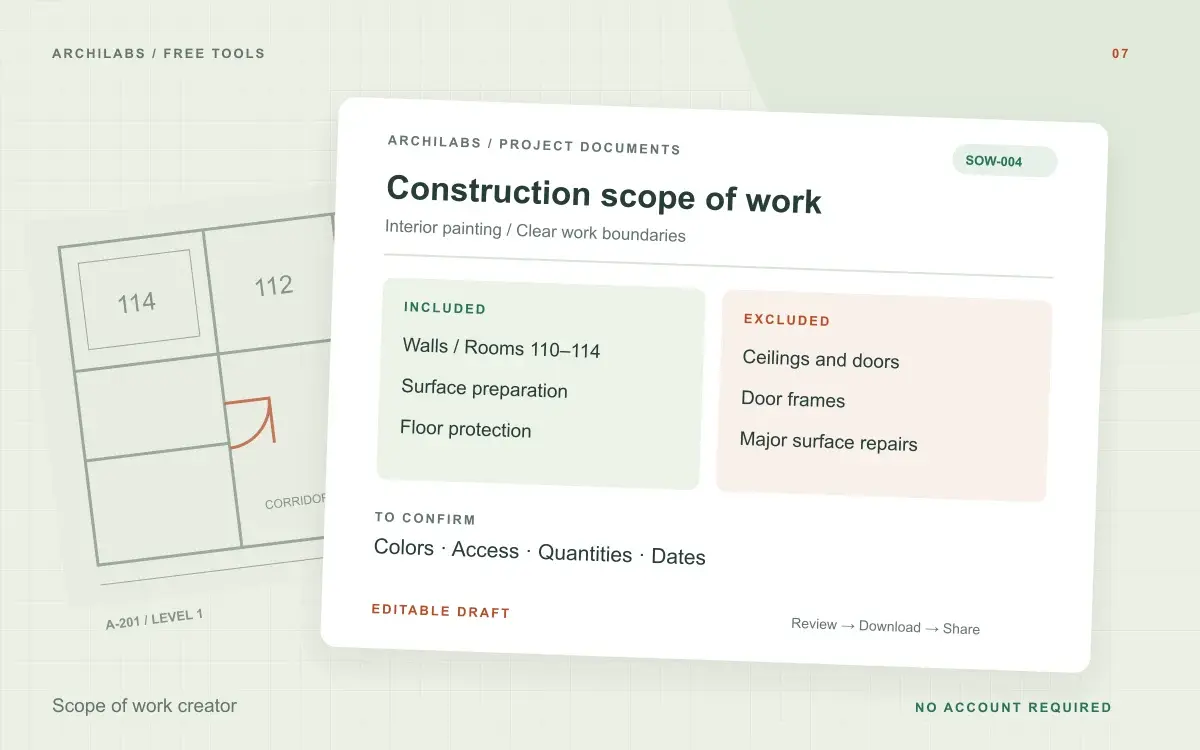 Construction documents
Scope of work creator
Create a construction scope of work from project notes. Organize inclusions, exclusions, deliverables, and responsibilities in an editable Word draft.
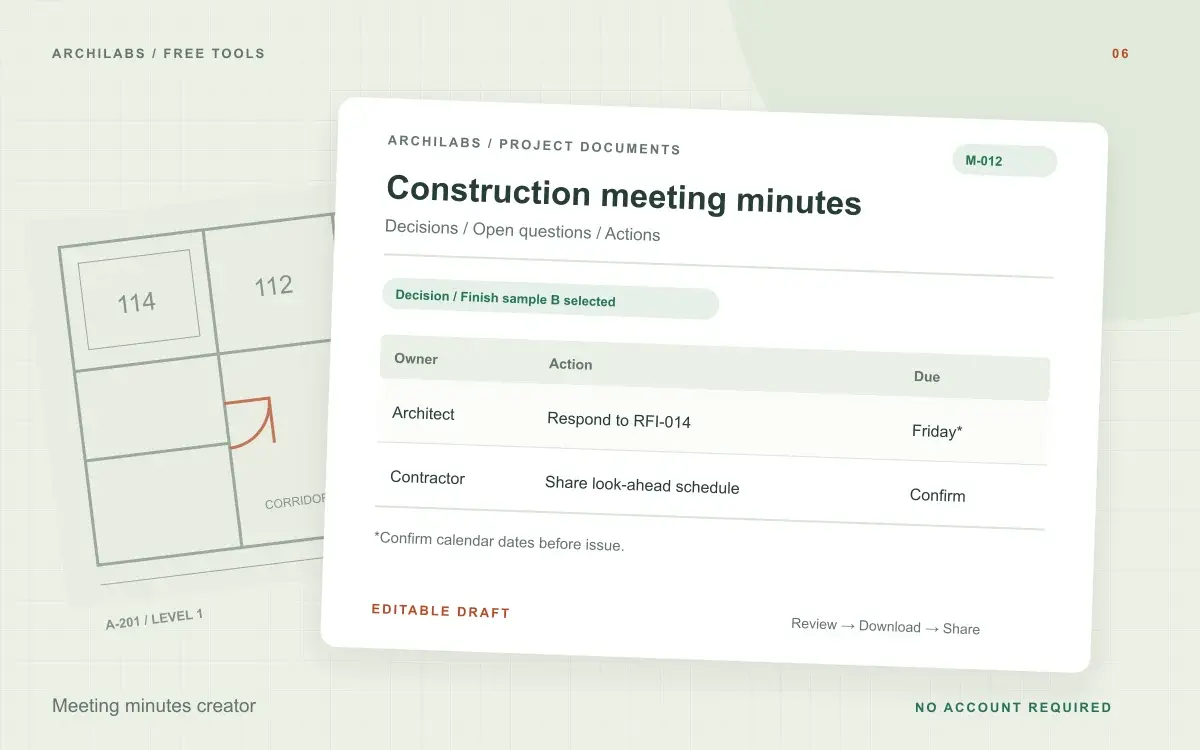 Construction documents
Meeting minutes creator
Turn construction meeting notes into editable minutes with discussions, decisions, open questions, and an action register. Download Word or PDF.
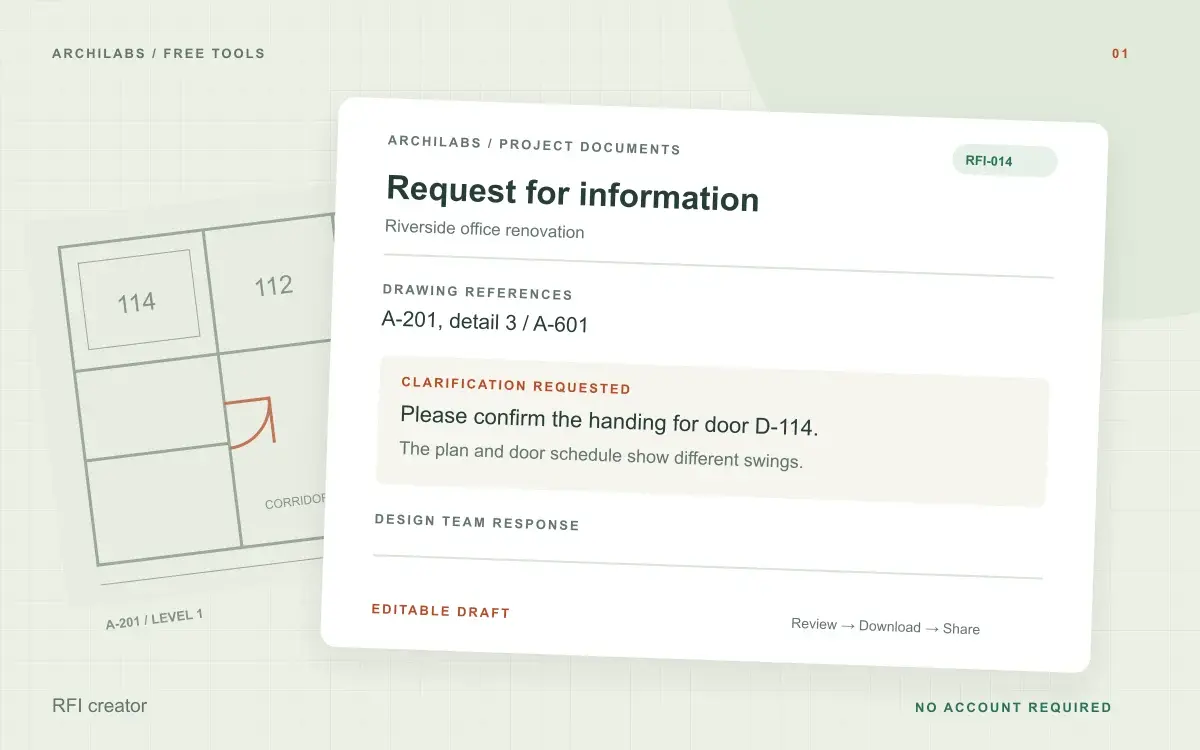 Construction documents
RFI creator
Turn field notes into a clear construction RFI. Edit the request and download a Word document, text file, or print-ready PDF.