
Make the boundaries of the work clear.
Free Construction Scope of Work Generator
Create a construction scope of work from project notes. Organize inclusions, exclusions, deliverables, and responsibilities in an editable Word draft.
Create your construction scope of work
01Your project details
02Your draft
A useful first draft, ready to edit.
Add your notes or try the example. You can also start with a blank template and fill it in yourself.
How to write a construction scope of work
- Describe the work, its limits, and known project requirements.
- Review the organized scope and explicitly marked assumptions.
- Edit and export for use in your estimating or procurement process.
Scope of work template sections
- Included work and deliverables
- Exclusions
- Responsibilities and interfaces
- Assumptions to confirm
Worked example
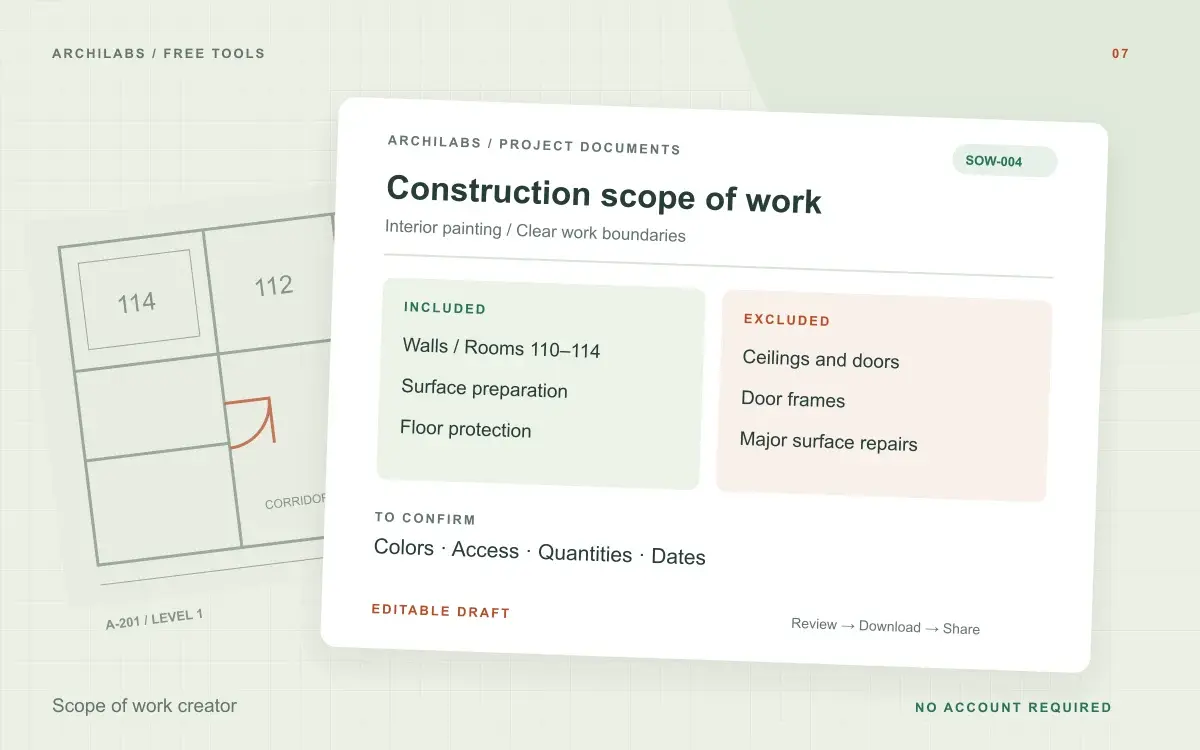
Scope of work example: an interior painting package
Starting notes
Paint gypsum board walls in rooms 110–114 and corridor 1. Include preparation and floor protection. Exclude ceilings, doors, frames, and repairs beyond minor patching.
Example draft
Included: wall painting in the named rooms and corridor, surface preparation, minor patching, and floor protection. Excluded: ceilings, doors, frames, and larger repairs. To confirm: colors, quantities, working hours, access, and completion dates.
Define construction work with clear inclusions and exclusions
A construction scope of work describes the tasks, areas, deliverables, and boundaries of a work package. Name the trade and locations, describe what is included, and state exclusions explicitly. This gives estimators and project teams a clearer basis for reviewing the proposed work.
Use the generator to organize project notes or start from a blank scope of work template. Add actual quantities, material requirements, and document references where known. The draft should expose missing information rather than silently turn assumptions into commitments.
Check trade responsibilities before sharing the scope
Review interfaces such as access, protection, preparation, disposal, and work by other trades. Identify who supplies materials and who confirms selections. Download the editable Word draft or a PDF for review; the scope still needs to be coordinated with your project documents and procurement process.
Construction scope of work questions
Is this tool free?
Yes. Create and download a draft without an account. These eight document and formula tools share a limit of 10 generations per hour and 30 per day per network, subject to site-wide capacity. Blank templates and local calculators do not use that allowance. AI hatch assistance and pattern images have separate limits.
Does the tool create a construction contract?
It creates a scope draft based on your notes. It does not supply a complete contract or determine project-specific legal terms.
Are my project notes saved?
Your notes are sent to an AI provider to create the draft. ArchiLabs does not save your notes or generated document on its servers. The draft stays in this tab until you leave or clear it; download anything you want to keep. Provider data-handling policies still apply.
Related construction document tools
 Construction documents
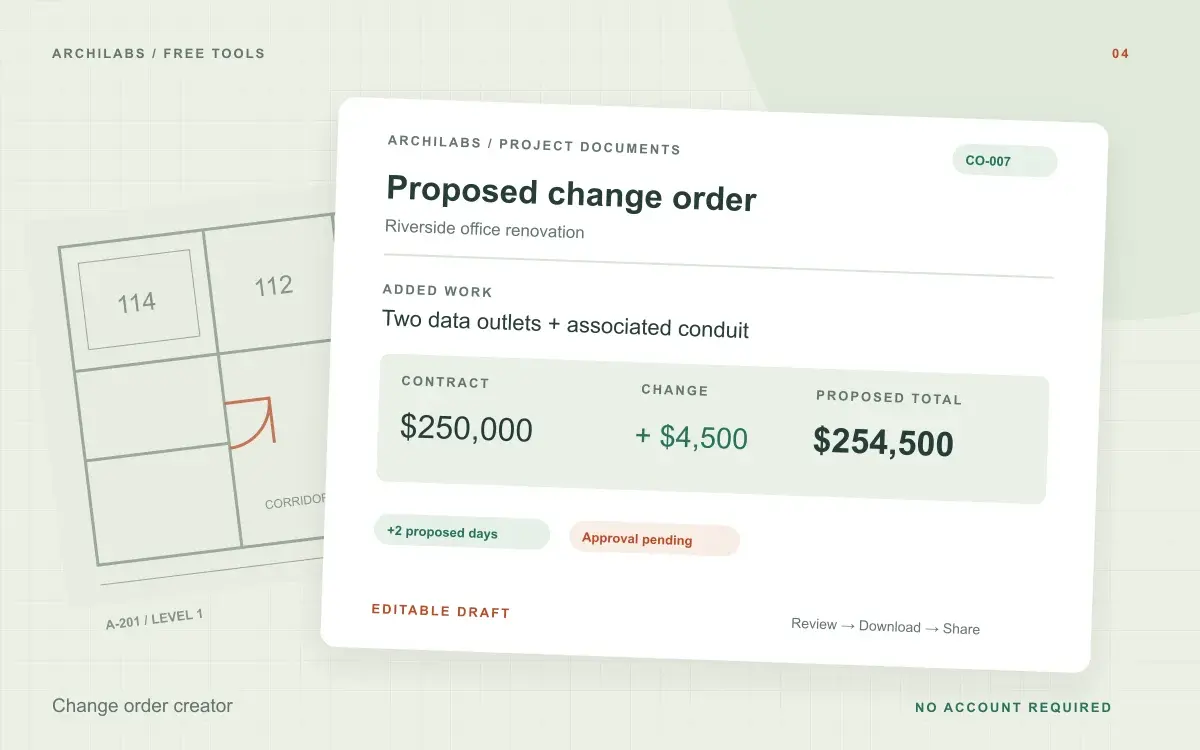
Change order creator
Draft a construction change order with scope, cost, schedule impact, and approval fields. Calculate revised contract value and export Word or PDF.
 Construction documents
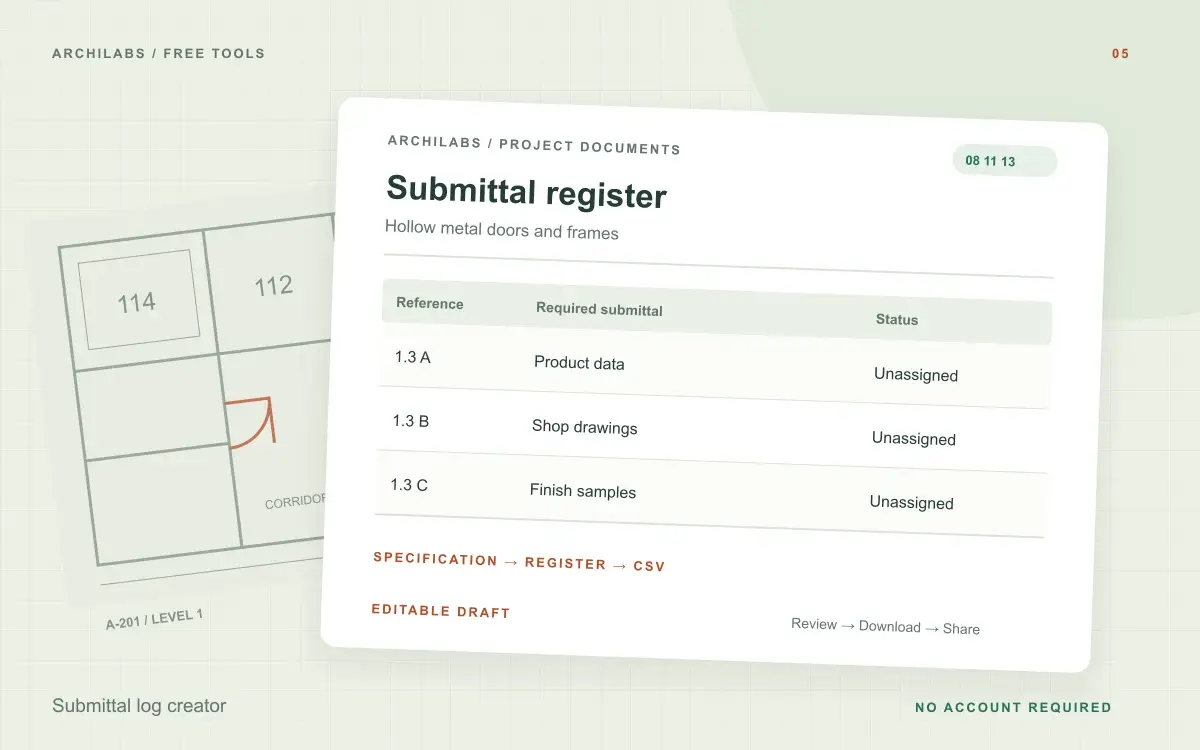
Submittal log creator
Turn specification excerpts into a draft submittal register. Review source references, responsibilities, and dates, then download CSV or Word.
 Construction documents
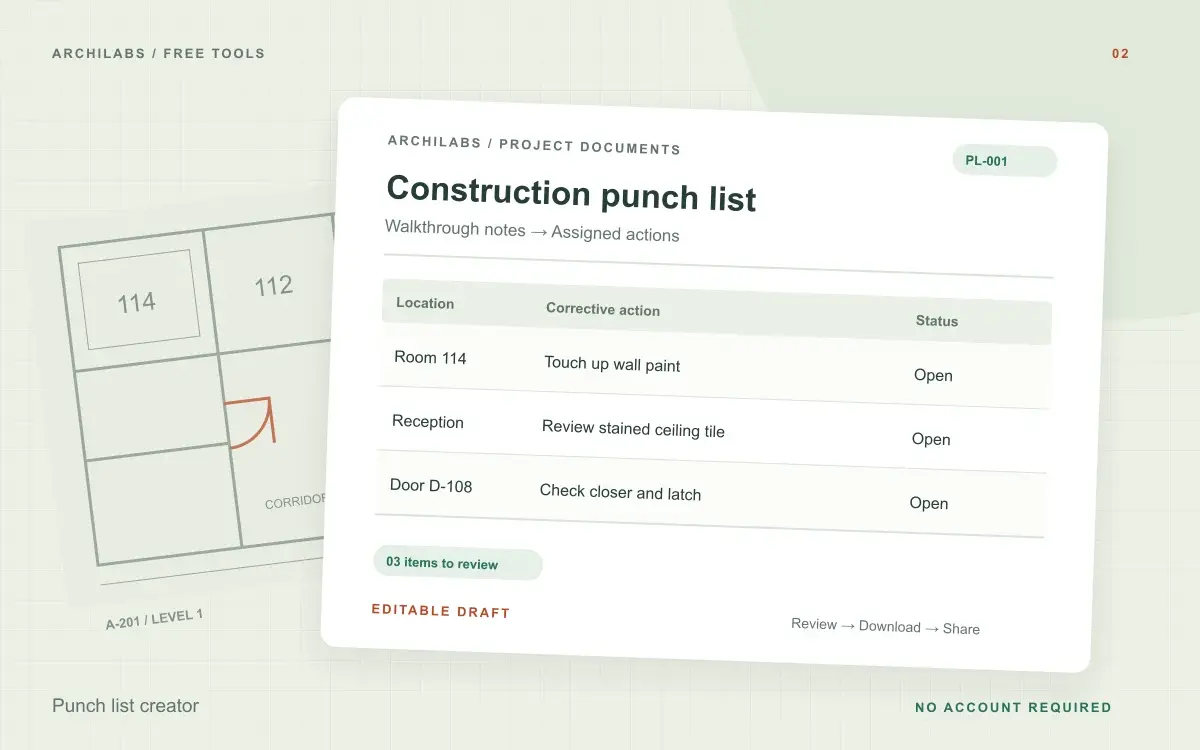
Punch list creator
Organize walkthrough notes into an editable construction punch list with locations, actions, owners, and status. Download Word or CSV.