
Turn a parameter rule into a formula.
Free Revit Family Formula Generator
Describe a Revit family parameter rule and get a formula draft, parameter setup notes, and example checks. Copy the formula or download the guide.
Generate a Revit family parameter formula
01Your project details
02Your draft
A useful first draft, ready to edit.
Add your notes or try the example. You can also start with a blank template and fill it in yourself.
How to generate a Revit family formula
- Enter exact parameter names, types, and the behavior you need.
- Review the formula, setup notes, and example input/output checks.
- Copy the formula into a test family and verify it in your Revit version.
Formula draft, parameter setup, and example checks
- Copyable formula
- Parameter setup notes
- Explanation of the rule
- Example checks and missing inputs
Worked example
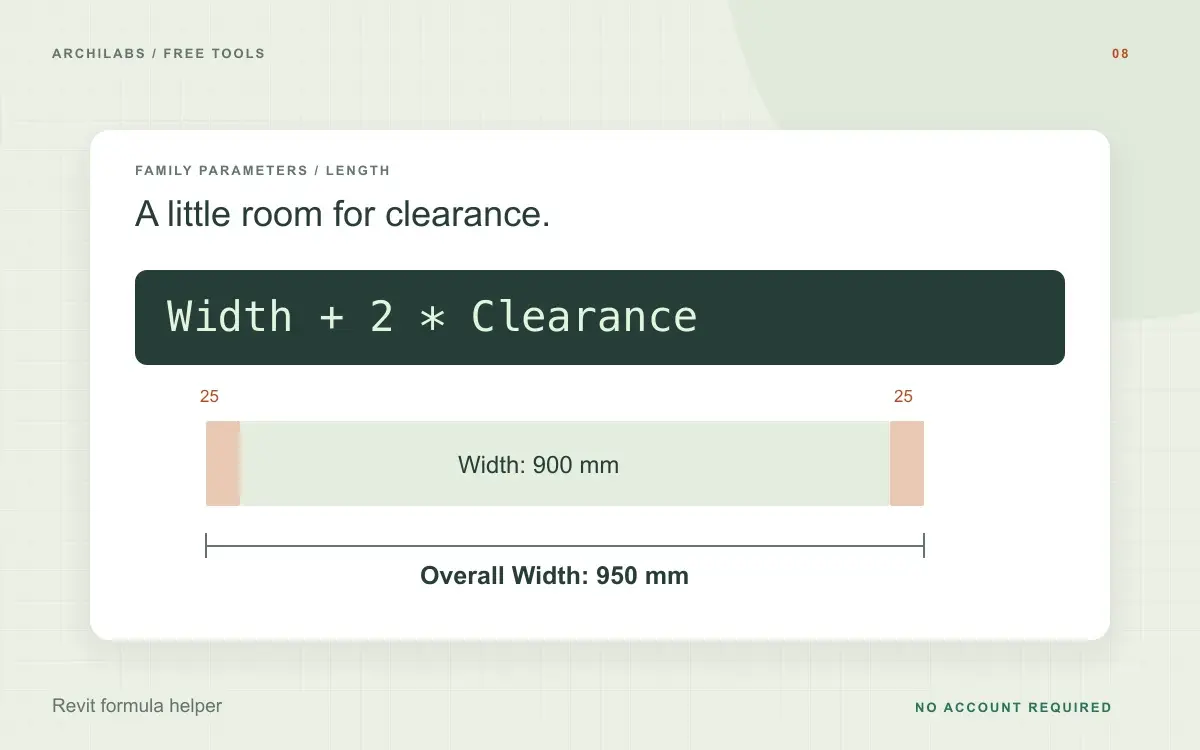
Revit family formula example: width plus clearance
Starting notes
Width, Clearance, and Overall Width are Length parameters. Overall Width should include the base Width plus one Clearance on each side.
Example draft
Overall Width formula:
Width + 2 * Clearance

Example check:
900 mm + 2 × 25 mm = 950 mm
Describe parameter names and types for a useful formula draft
Start with the exact Revit family parameter names and their data types. Identify the parameter that will contain the formula, describe the intended relationship, and include an input/output example. For a conditional rule, explain what should happen on each side of the condition.
This Revit formula generator returns a draft, setup notes, and example checks. It helps translate a stated rule into a family formula; it does not inspect your family, run Revit, or modify a model. Avoid including project information that the formula does not need.
Check Revit formulas in a test family
Copy the draft into the intended parameter in a test family in your target Revit version. Check the parameter names and units, then flex the family using typical values and boundary cases. Compare the actual geometry and parameter results with the behavior you described before using the formula in production work.
Revit family formula questions
Is this tool free?
Yes. Create and download a draft without an account. These eight document and formula tools share a limit of 10 generations per hour and 30 per day per network, subject to site-wide capacity. Blank templates and local calculators do not use that allowance. AI hatch assistance and pattern images have separate limits.
Does this run or validate the formula inside Revit?
No. It generates a formula draft and reasoned example checks. Test it in a family in your target Revit version before relying on it.
Is this a Revit API Python generator?
No. This tool helps with family parameter formulas. The separate Revit API Python generator is available in the free tools library.
Are my project notes saved?
Your notes are sent to an AI provider to create the draft. ArchiLabs does not save your notes or generated document on its servers. The draft stays in this tab until you leave or clear it; download anything you want to keep. Provider data-handling policies still apply.
Related Revit and drafting tools
 Revit & drafting
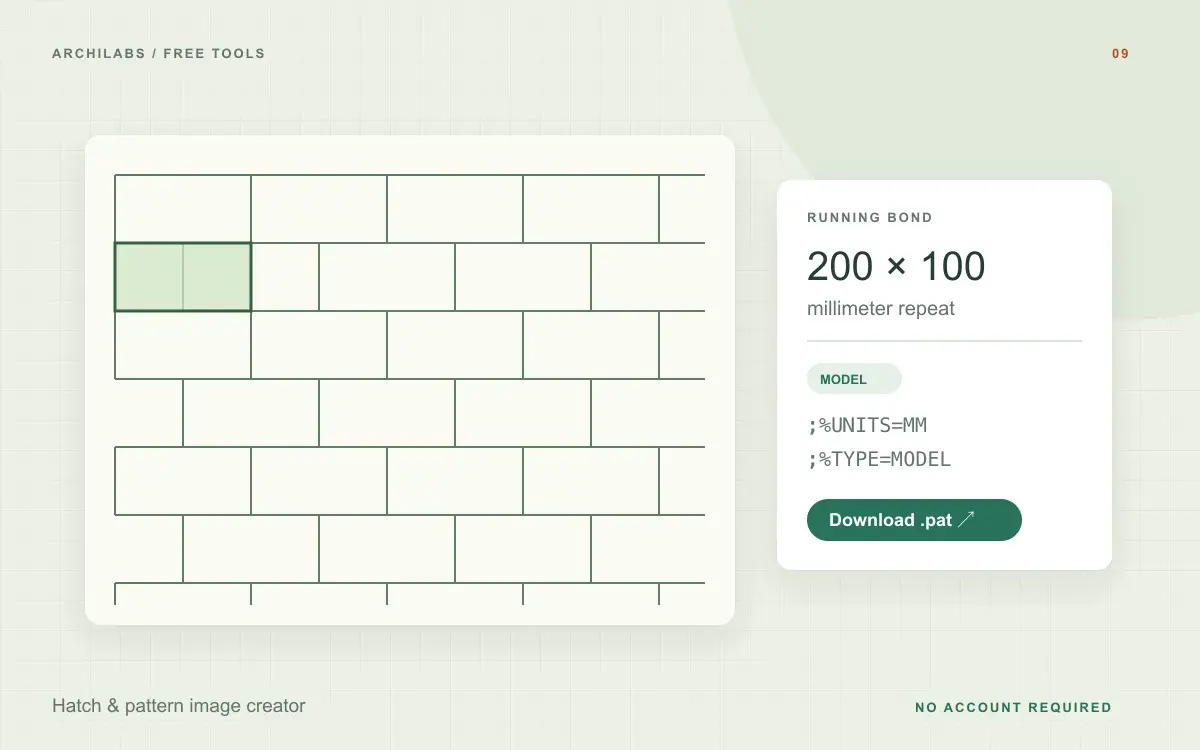
Hatch & pattern image creator
Describe a hatch pattern with AI, adjust precise dimensions, and download a Revit PAT file. Or generate a material texture image and inspect its repeat.
 Revit & drafting
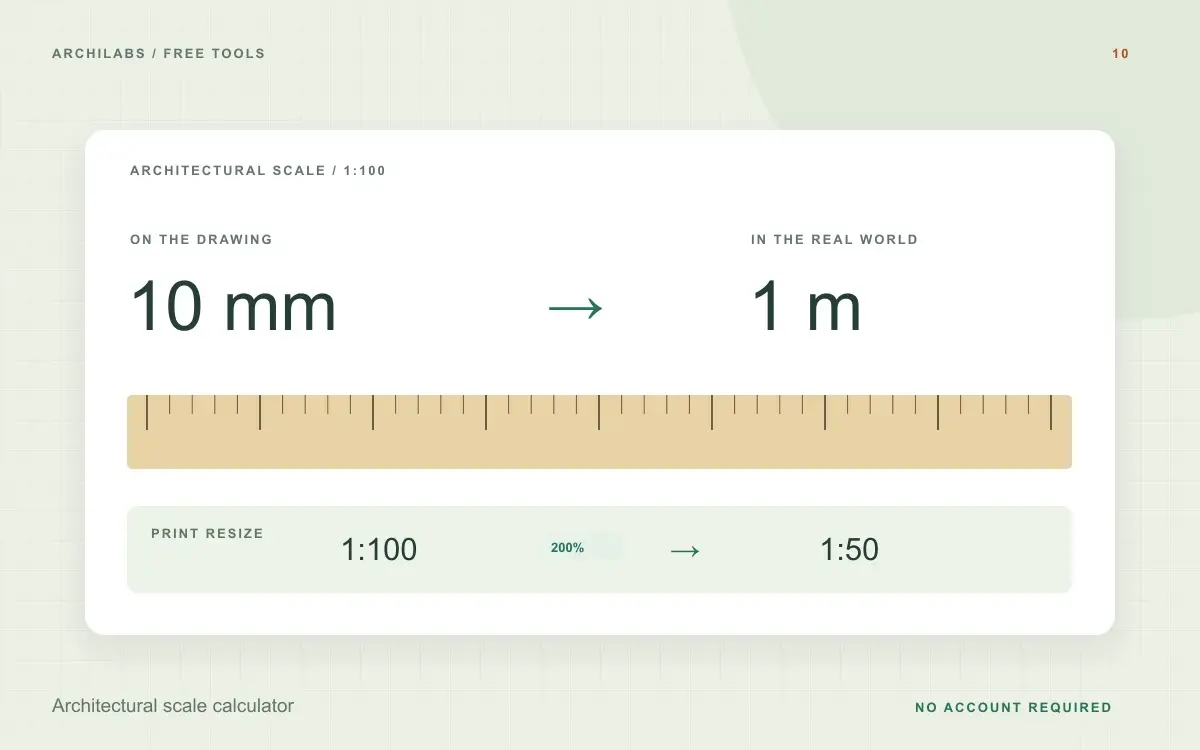
Architectural scale calculator
Convert real-world and drawing dimensions at architectural and metric scales. Calculate print enlargement or reduction percentages instantly.
 Construction documents
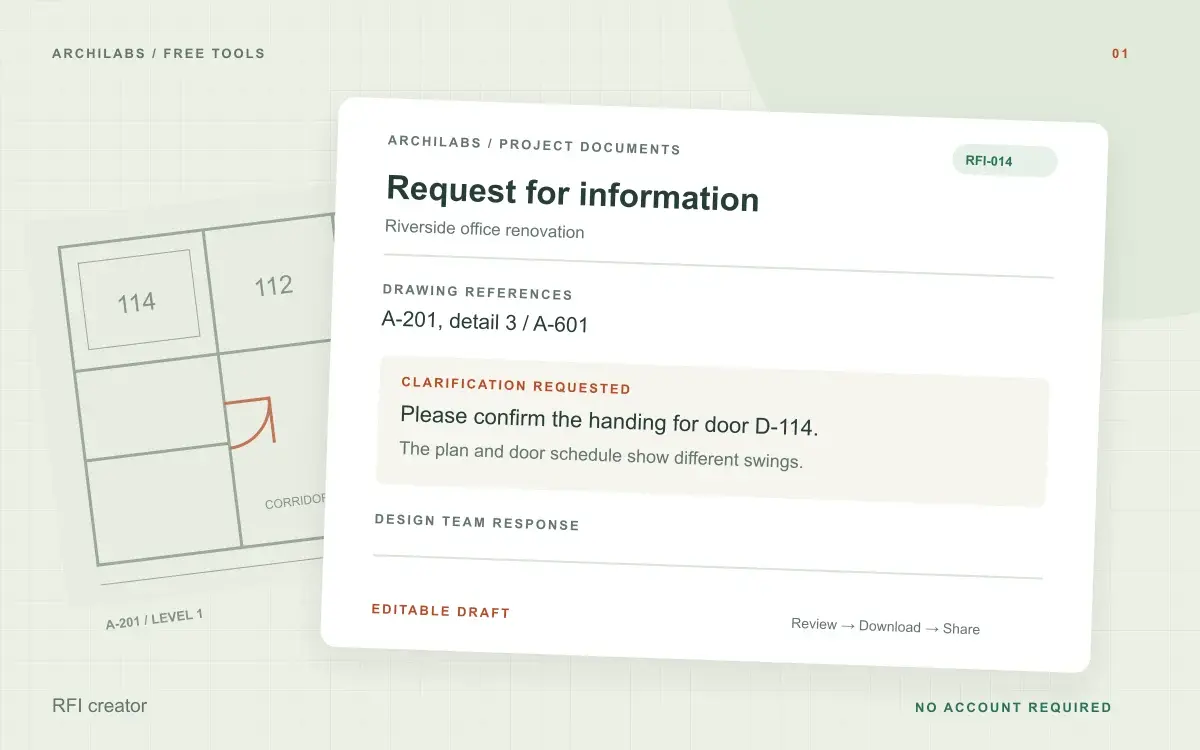
RFI creator
Turn field notes into a clear construction RFI. Edit the request and download a Word document, text file, or print-ready PDF.